Model 670C Berkeley Nucleonics Corp. 84 of 96
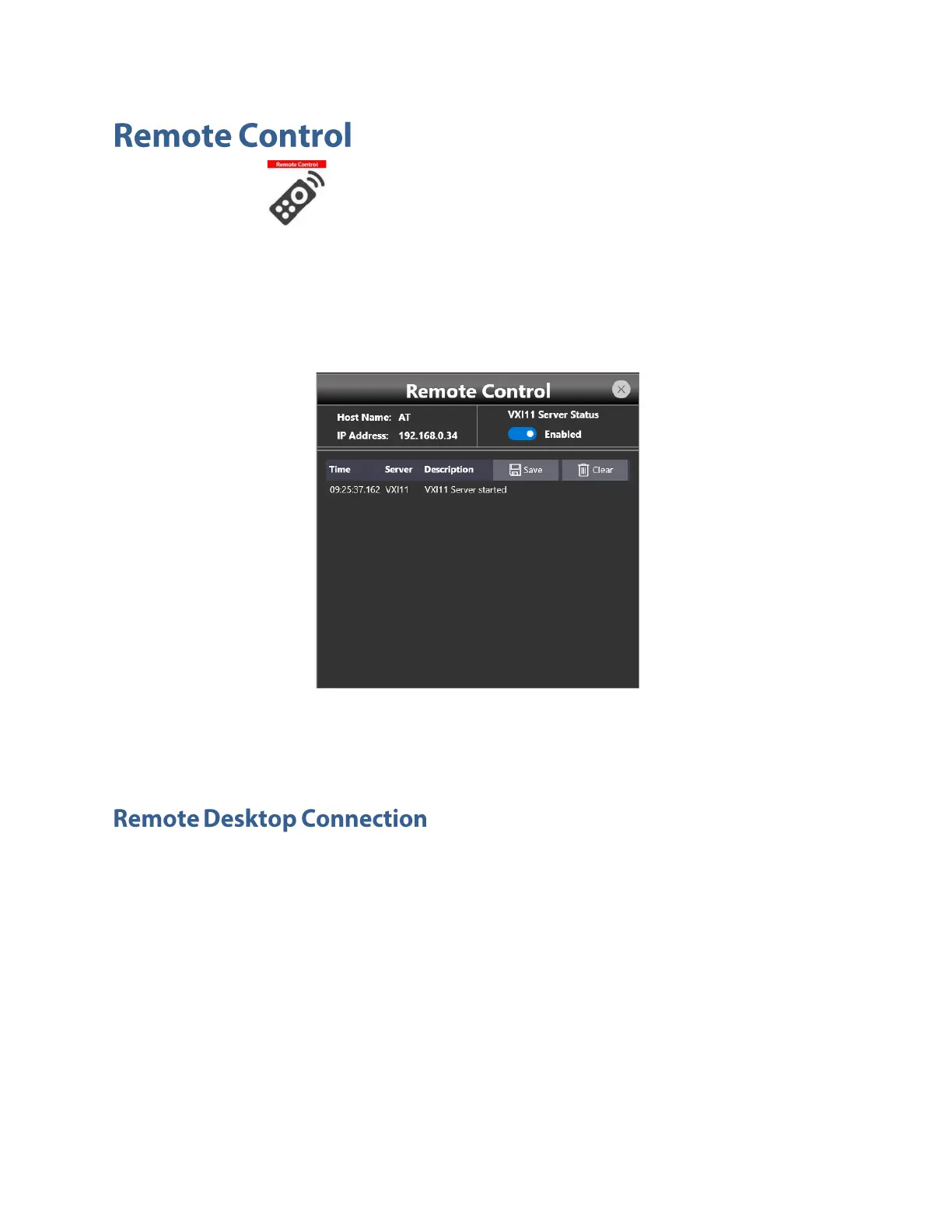
The “Remote” button located in the Command Bar opens the page of the SCPI server. In that
page there is the list of all the commands received by the SCPI server and its replies. If the text of the
command is displayed in green it means that the command is correct and it has been accepted by the
server. If the text of the command is displayed in red it means that the command is wrong and it hasn’t
been accepted by the server.
In the top of the page the Host Name and the IP Address of the instrument are shown. The slider on the
right side of the page allows to enable or disable the SCPI server. By default it is enabled.
If you need to connect to the instrument using the remote desktop connection, you should insert the
following credentials:
Computer Name: AT
User Name: AT
Password: 1234



 To Next Page