Model 670C Berkeley Nucleonics Corp. 85 of 96
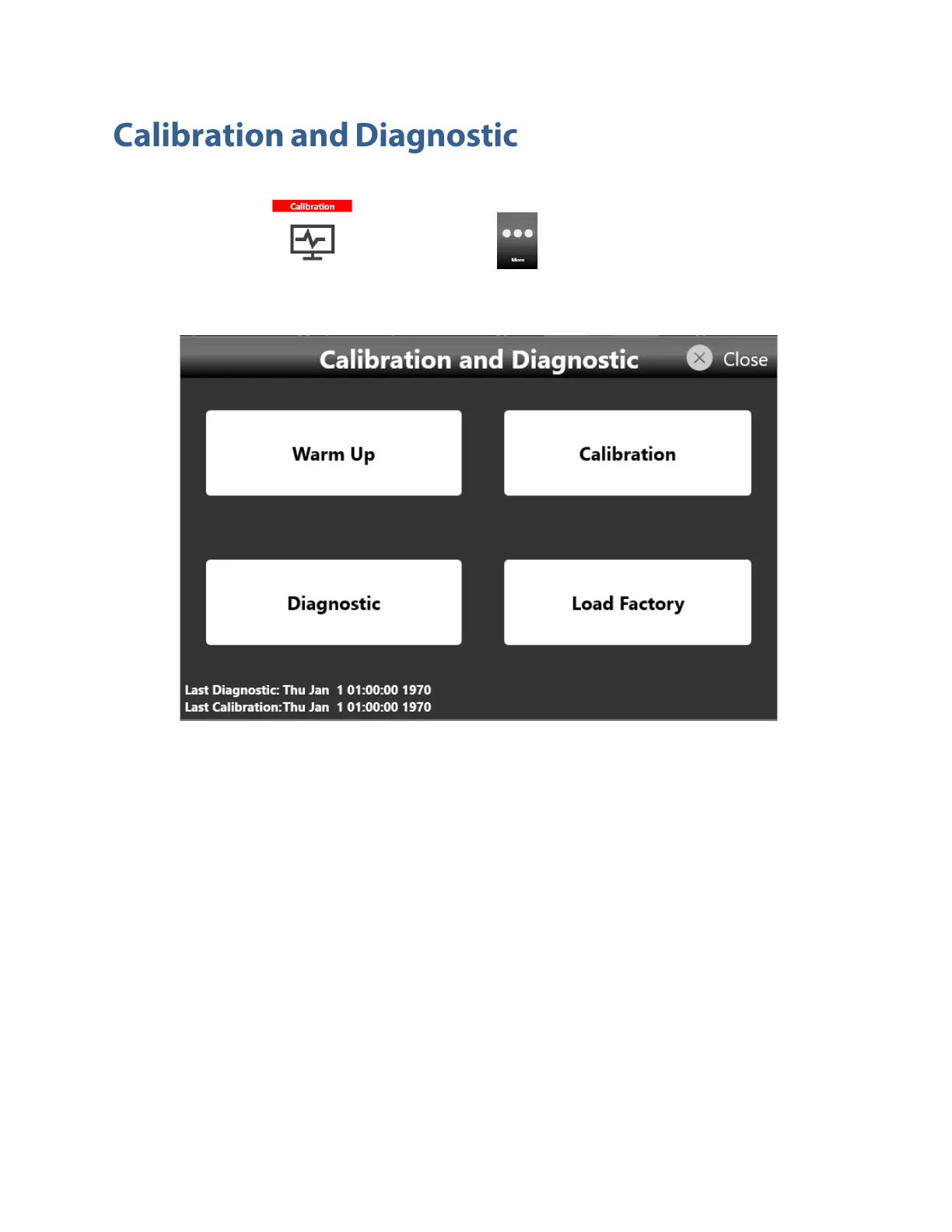
The calibration button in the More... menu opens the Calibration and Diagnostic page.
Below a description of the actions executed by pressing the buttons located in the page:
• Warm up button: touching this button will start the warm up instrument procedure that will
take 30 minutes. The elapsed time is shown. The procedure can be stopped by touching the
Stop button located at the bottom right of the Warm Up page
• Calibration button: touching this button will start the self-calibration of the instrument. The logs
of the procedure are displayed in a text box that can be saved at the end of the procedure for
further analysis.
• Diagnostic button: touching this button will start the self-diagnostic of the instrument. The logs
of the procedure are displayed in a text box that can be saved at the end of the procedure for
further analysis.
• Load Factory button: touching this button will load the factory calibration parameters.


 To Next Page
 Loading...
