Model 670C Berkeley Nucleonics Corp. 87 of 96
While the VXI-11 server is always available to remotely control all the parameters of the instrument,
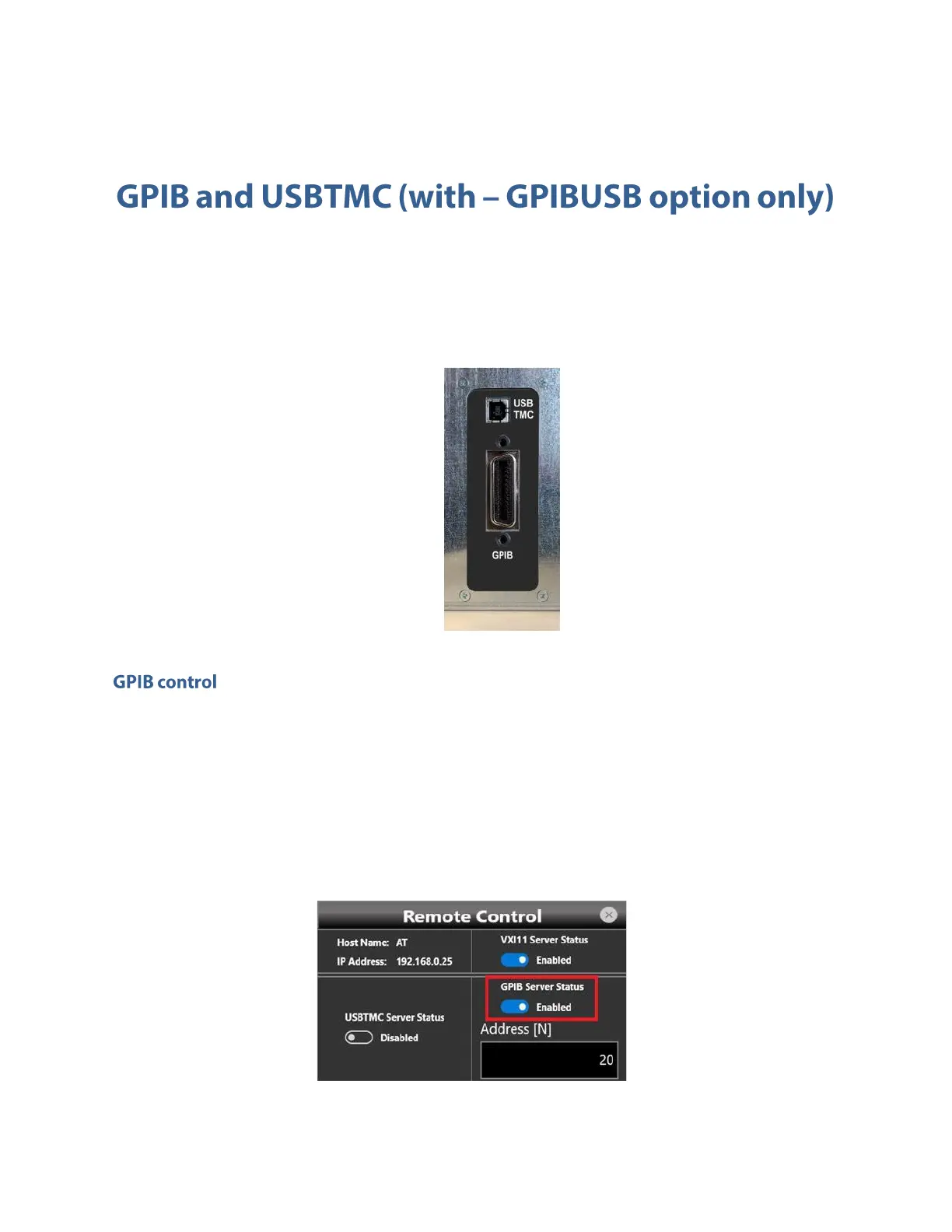
with GPIBUSB option the Model 670C series is provided with a GPIB electronic interface and a
USBTMC port (refer to the Programmer manual for a complete description of all instrument setting
commands and data transfer commands).
GPIB and USBTMC Connector (optional)
Follow these instructions to setting up the instrument for remote communication using the GPIB
(General Purpose Interface Bus) interface:
• Connect one side of a GPIB cable to the GPIB port of the Model 670C (on the rear panel), and
your GPIB controller on the other side.
• In “Remote Control Panel “window verify that GPIB Server Status is Enabled; if not, press the
button to enable it.



 To Next Page