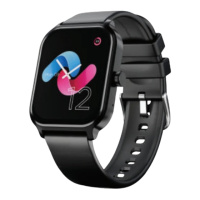
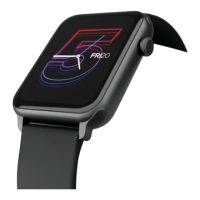
Watch Faces
Note: Make sure your watch and phone are connected via Bluetooth. Do not exit the
downloading interface until it displays 100% downloaded. It may take up to 60 secs
to sync the watch face with the app.
Using the app
Select cloud watch faces on the app and push your
preferred watch face to your smartwatch.
Go to Device -> watch faces -> Select and install the
watch face of your choice.
Alternatively, you can also customize the watch faces
of your choice by selecting the background from your
phone’s gallery and make it as your watch face.
SIDE BUTTON FUNCTIONALITY
To access the Main Menu, simply press the side button.
For powering off or resetting the watch, press and hold
the side button.



 To Next Page