CONNECTING TO THE APP
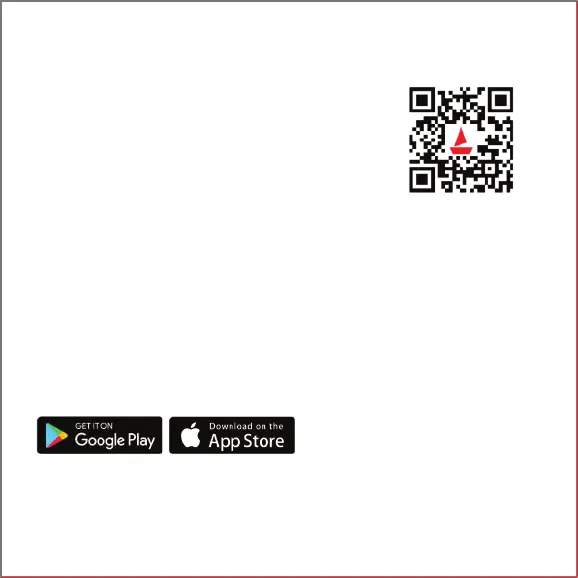
1. Download the boAt Crest app on your phone.
Available on both App Store (iOS 14.0 and above) and
Google Play Store (Android 7.0 and above)
OR
Scan [QR CODE]
2. Connect the device with the boAt Crest app; ensure that the
phone’s Bluetooth, as well as the GPS functionalities, are turned on.
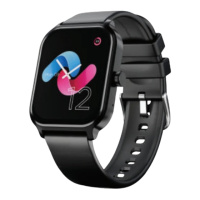
3. Select Storm Call on the app’s home screen and click pair to connect.
4. Once connected, you will get an alert to connect with STORMCALL_XXXX,
click pair if you need to receive or make calls from the watch.
5. To use all features of your Storm Call seamlessly, tap on ‘yes’ to the ‘connection’ and
‘grant access’ system prompts.
6. Disable battery optimization.
Note: To ensure connectivity throughout your journey, make sure the app is allowed to
always run in the background of your phone.



 To Next Page