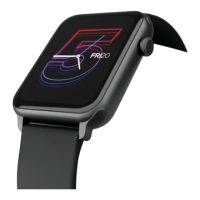
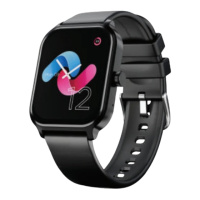
Regularly clean your wrist and the strap of the smartwatch, especially after sweating
during exercise or being exposed to substances such as soap or detergent, which may
get stuck on the other end of the product.
Do not wash the strap with a household cleanser. Please use soap less detergent, rinse
thoroughly and wipe with a piece of soft towel or napkin.
For spots or stains that are not easy to remove, scrub the area with rubbing alcohol and
then follow the above procedure.
Search for the app to connect keeps failing
1. Keep the boAt Wearables app updated to the latest version
2. Close all the programs on the watch -> Stop and restart Bluetooth and GPS -> Connect again
3. Check and enable the notification functions of your phone and keep the phone and watch in
close contact.
Note: Make sure your phone system meets Android 7.0 and above and iOS 12.0 and above.
PRODUCT PARAMETERS
MAINTENANCE
FAQ
Model boAt Wave Genesis
Screen type 1.96" HD Display
Battery capacity 290 mAh
Net weight 47.5g
Bluetooth version BLE 5.0+ 3.0 Dual Mode
Working temperature -10
o
C - 50
o
C
Charging time up to 2 hours
Working time up to 3 days with BT calling,
up to 7 days in normal mode
Water Resistance IP67
Frequency band No


 To Next Page