CONNECTING TO THE APP
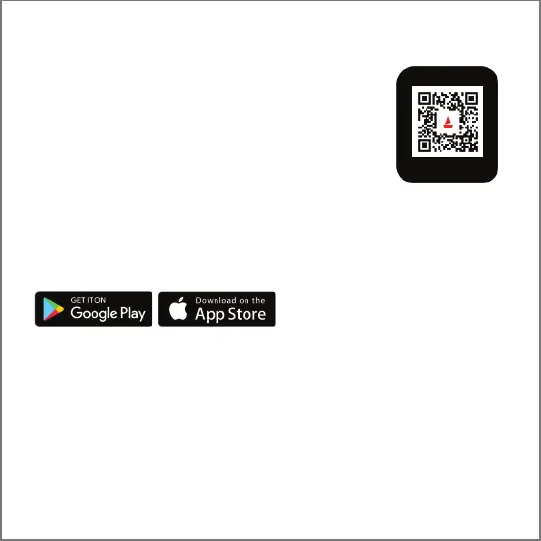
1. Download the boAt Wearable app on your phone.
Available on both App Store (iOS 12.0 and above) and
Google Play Store (Android 7.0 and above)
OR
Scan [QR CODE] (Also available on the watch)
2. Connect the device with the boAt Wearables app
3. Select Wave Genesis on the home screen of the app and click pair
to connect.
4. Click on "pair" when you get a prompt to connect with WGENESISBT. This is required if you
want to attend calls on your watch.
5. Alternatively, you can go to your phone's setting and pair WGENESISBT manually.
6. To use all features of your Wave Genesis seamlessly, tap on 'yes' to the 'connection' and
'grant access' system prompt.
7. Turn your phone's Bluetooth and GPS on.
8. Disable battery optimization
Note:
Synchronize data at least once a day to avoid data loss in the watch.
SYNCING YOUR SMARTWATCH TO THE APP
• Open the app on your phone.
• Make sure your Wave Genesis is connected to the app
• Synchronization will start automatically once you enter the app interface.
Data Synchronization


 To Next Page