S250 Bobcat Loader
SA-4 Operation & Maintenance Manual
DIAGNOSTICS SERVICE CODES
Display
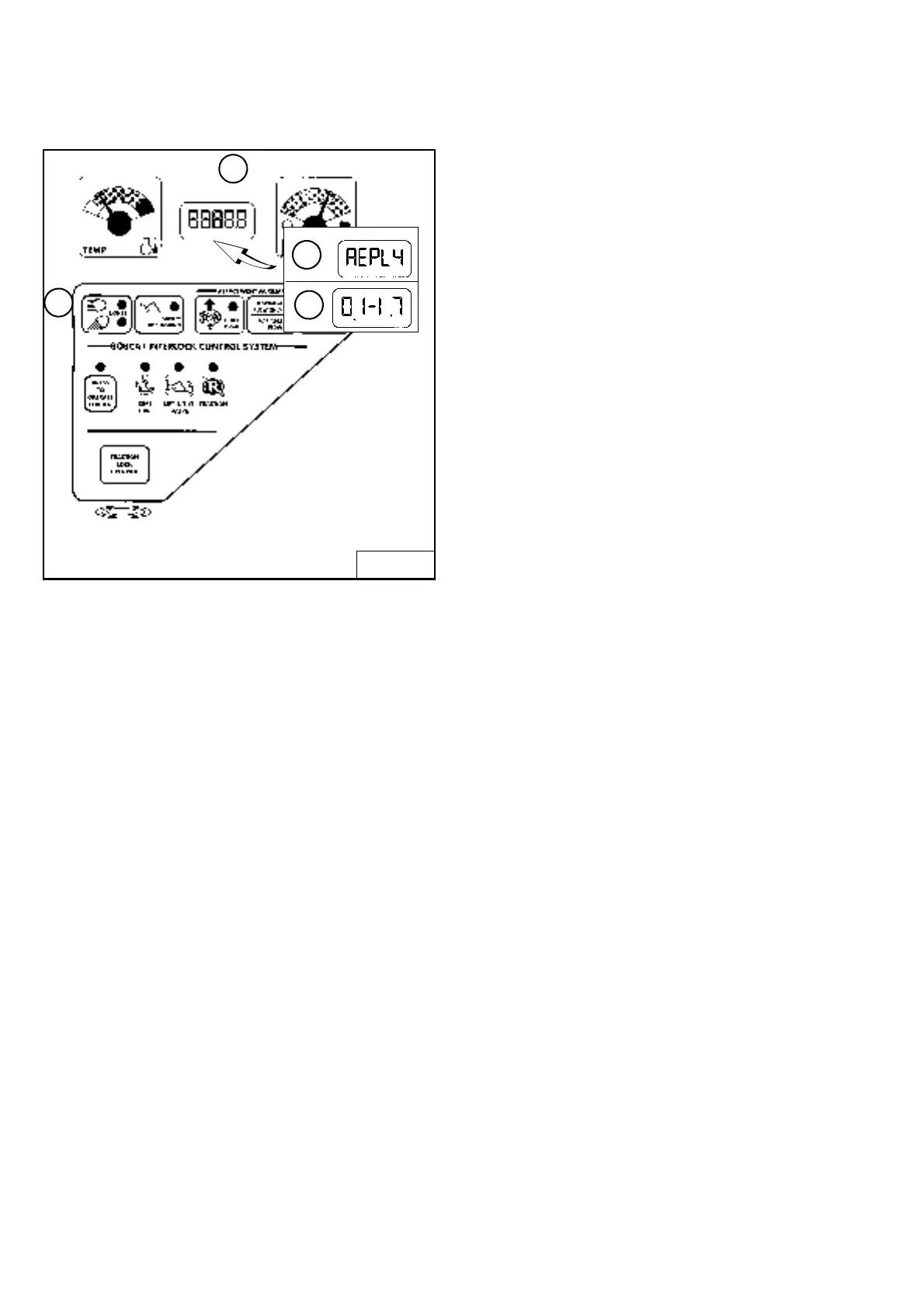
Figure SA-1
Press and hold the LIGHTS Button (Item 1)
[Figure SA-1] for two seconds to view SERVICE CODES
in the HOURMETER / CODE DISPLAY (Item 2). If more
than one SERVICE CODE is present, the codes will scroll
on the HOURMETER / CODE DISPLAY.
NOTE: Corroded or loose grounds can cause
multiple service codes and/or abnormal
symptoms. All instrument panel lights
flashing, alarm sounding, headlights and
taillights flashing, could indicate a bad
ground. The same symptoms could apply if
the voltage is low, such as loose or corroded
battery cables. If you observe these
symptoms, check grounds and positive leads
first.
Service Codes may be either a word (Item 3)
[Figure SA-1] or a number (Item 4). (See the following
pages for the number codes.)
The following word errors may be displayed.
REPLY One or both instrument panel(s) not
communicating with the controller.
INPUT The controller not communicating with the left
instrument panel.
CODE The controller is asking for a password. (Deluxe
instrument panel only.)
ERROR The wrong password was entered. (Deluxe
instrument panel only.)
B-15551
1
2
3
4



 To Next Page
 Loading...