S250 Bobcat Loader
OI-30 Operation & Maintenance Manual
STARTING THE ENGINE (DELUXE PANEL, KEYLESS
START (CONT’D)
Procedure (Cont’d)
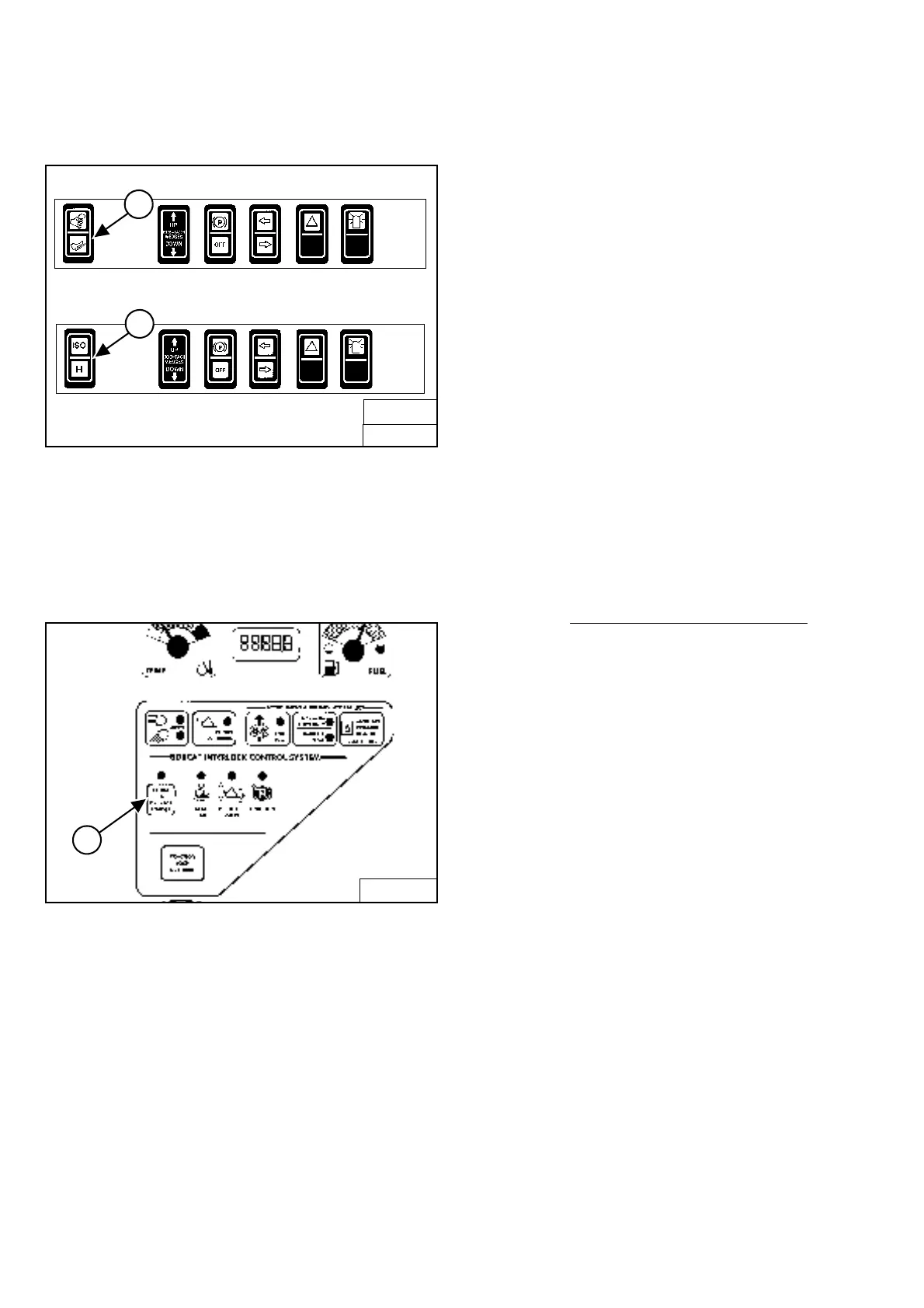
Figure OI-54
(ACS)
Select hand control or foot pedal operation (Item 1
)
[Figure OI-54].
OR
(SJC) Select ‘ISO’ or ‘H’ Control Pattern (Item 2)
[Figure OI-54].
Figure OI-55
Press the PRESS TO OPERATE LOADER Button (Item 1)
[Figure OI-55] to activate the BICS system and to
perform hydraulic and loader functions. See also Cold
Temperature Starting below.
NOTE: (SJC) The pending mode will flash which will
indicate PRESS TO OPERATE LOADER is
required. The light will flash when key is ON
and continue to flash until the PRESS TO
OPERATE LOADER button is pressed and
thereafter it will light solid. If the mode (ISO/H)
is changed while driving, the active mode will
be solid and the pending mode will flash.
When operation of the machine is returned to
neutral, the active mode will then turn off and
the pending mode will continue to flash until
the PRESS TO OPERATE LOADER button is
pressed.
Cold Temperature Starting
If the temperature is below freezing, perform the following
to make starting the engine easier:
• Replace the engine oil with the correct type and
viscosity for the anticipated starting temperature.
(See ENGINE LUBRICATION SYSTEM on
Page PM-19.)
• Make sure the battery is fully charged.
• Install an engine heater, available from your Bobcat
loader dealer.
NOTE: The LCD of the Deluxe Panel may not be
immediately visible when the temperature is
below -15 degrees F (-26 degrees C). It may
take 30 seconds to several minutes
for the
Display Panel to warm up. All systems remain
monitored even when the display is off.
B-15993B
SJC
2
B-15993
FRONT ACCESSORY PANEL
ACS
1
B-15551
1



 To Next Page
 Loading...