59 S650 Operation & Maintenance Manual
OPERATOR CAB (CONT’D)
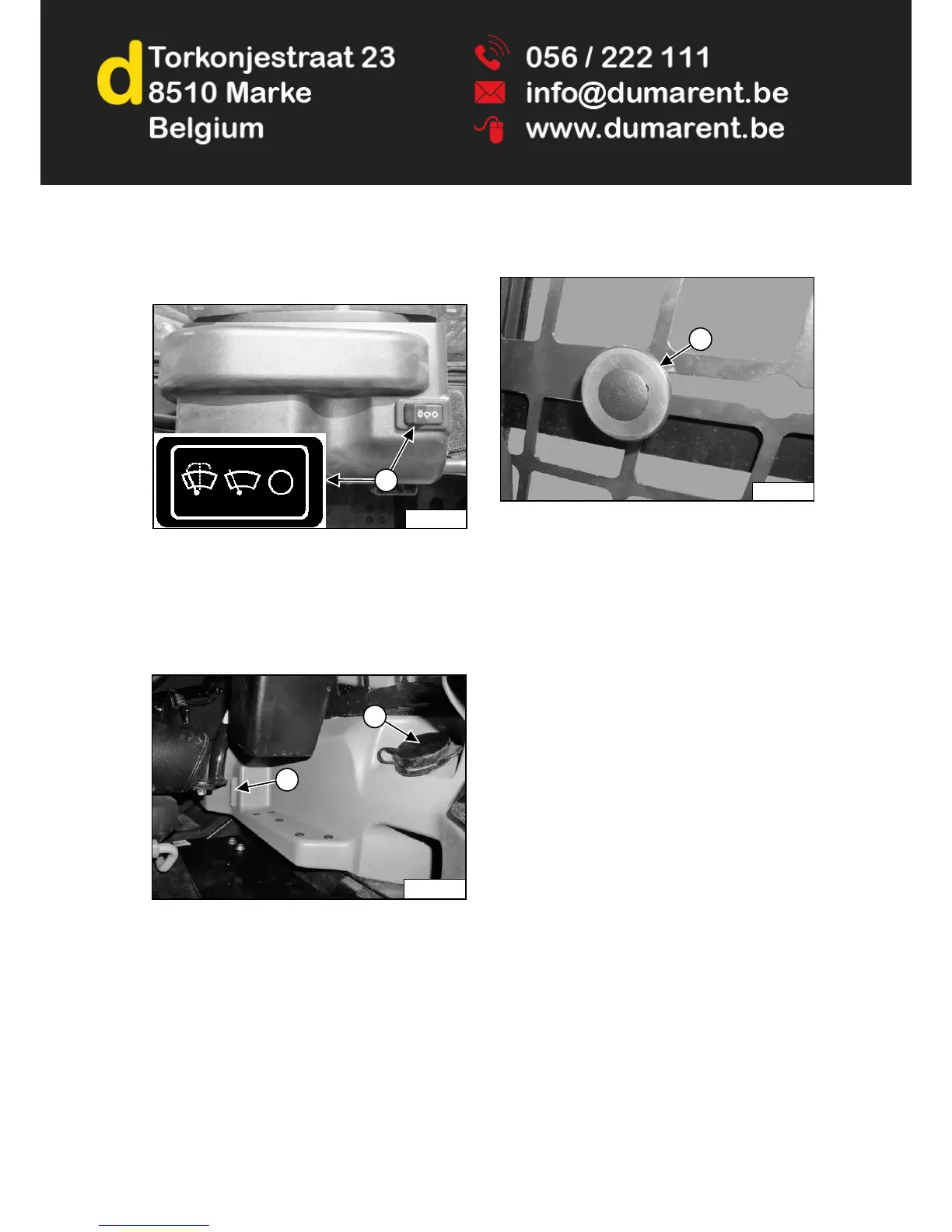
Front Wiper
Figure 30
This machine may be equipped with a Front Wiper
[Figure 30].
Press the left side of the switch (Item 1) [Figure 30] to
start the front wiper (press and hold for washer fluid).
Press the right side of the switch to stop the wiper.
Figure 31
The washer fluid tank is located on the left side of the
operator cab. Check the fluid level in the sight gauge
(Item 1). Remove the cap (Item 2) [Figure 31] to add
washer fluid.
Side Windows
Figure 32
Pull the knob (Item 1) [Figure 32] and slide backward to
open window. Release knob at cutout to lock in desired
position. Pull the knob and slide forward to close window.
P-90601A
1
2
1
P-90350
P-85314A
1



 To Next Page