47
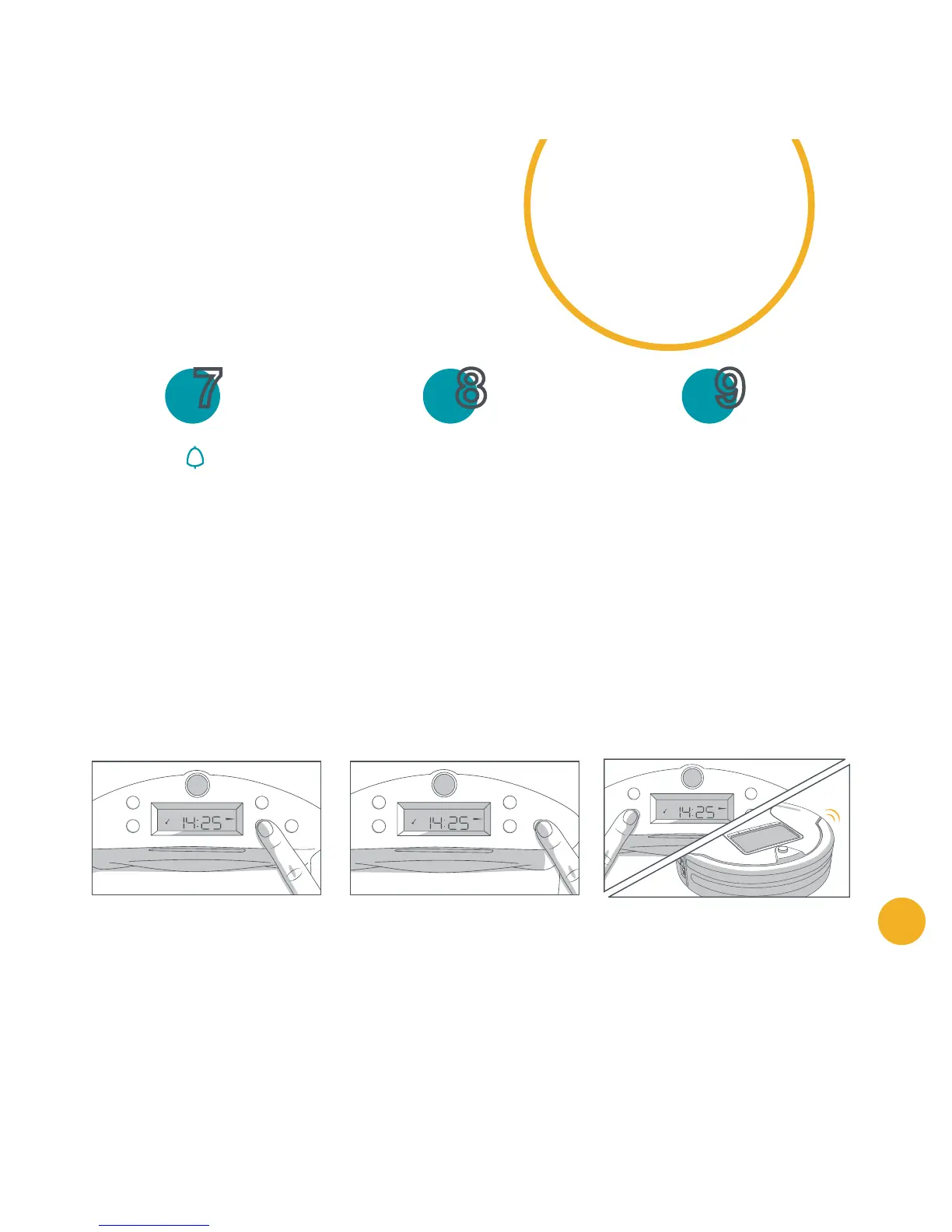
Set the weekday(s) you want Bob to clean:
When Bob is scheduled to clean, a small broom icon will appear on the station's
screen's middle left. Bob will leave his station even if he hasn't finished charging.
Press the button until
the icon for the first
weekday blinks.
Each weekday blinks for
5 seconds, and then
remains solid. Once solid,
the day is selected.
Use the Adjust/Select
button to move on to the
next day. If you would like
to skip a certain day, press
the Adjust/Select button
while the weekday icon is
still blinking.
To deselect a day, scroll
past it using the Adjust/
Select button.
When all desired days are
selected, press OK/Cycle
to save. Bob will chirp to
let you know the schedule
setup was successful.
7 9 8
You can choose any and all weekdays
for cleaning. Bob starts his cleaning
at the selected time (e.g. 14:30) on all
programmed days (e.g. Mo, Tu, Th).
SET Su Mo Tu We Th Fr Sa
CLK
1
2
SET Su Mo Tu We Th Fr Sa
CLK
1
2


 To Next Page
 Loading...