User manual for BCL-B series laser machine
Jinan Bodor CNC Machine Co.,Ltd www.bodorcnc.com
4.2.3 Testing of Engraving
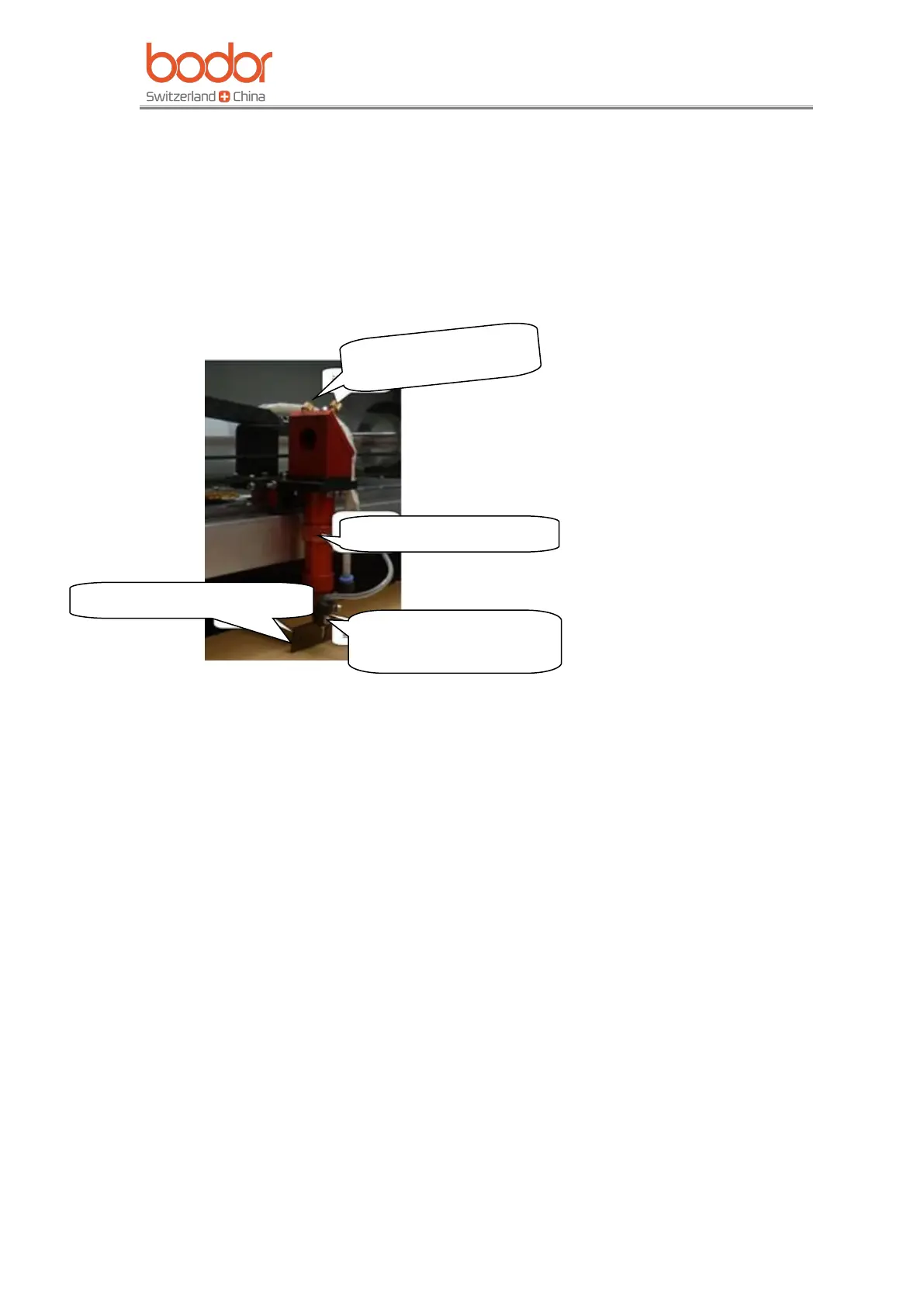
After debugging of light path, put the working material on the working table, then spin
the laser head clockwise(overlooking the laser head), to make it stay in the focal length
height. After adjusting the focal length, then anticlockwise the lens cone nut. Then move
the laser head to the designated spot, finally open software to design patterns you need,
set the processing way, speed and power. Download and name it, then machine could cut
or engrave the files as you command. Take following picture as a reference.
V General Operation User Manual
Power on the machine before using. Connect machine and PC with USB data-line.
5.1 Installing Software
Find CD, double click “RDCAMSetup6.exe,”, as below:


 To Next Page