15
Controller Button Descriptions 02
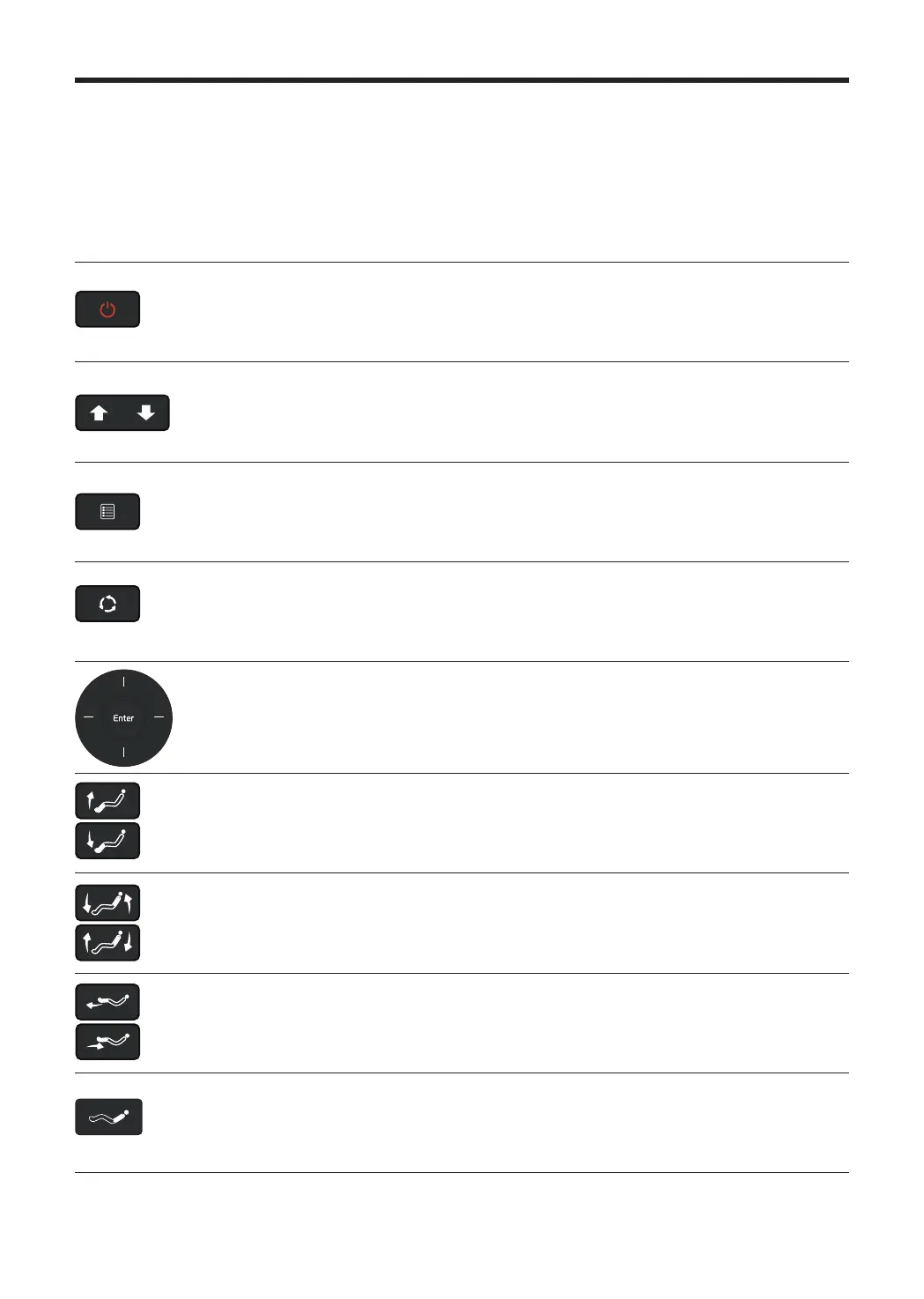
Power
This button turns the chair on and o. If this button is pressed during
operation, all movement will stop and all parts of the massage chair will
return to their original resting position.
Spot
Adjust
This button adjusts the placement of the massage balls for the back.
Menu
This button causes the menu screen to appear if pressed during operation to
allow the user to adjust the settings.
Auto
This button will quickly transition the massage mode to a dierent auto
massage mode if pressed during operation.
Enter
Press this button to select the desired function after using the arrow keys to
navigate through screens.
Legrest
Adjust
These buttons allow leg angles to be adjusted.
Reclining
These buttons adjust the recline angles for the body.
Leg Extend
Leg Retract
These buttons extend or retract the leg unit.
Zero Gravity
This button will transition the body into the zero gravity position.



 To Next Page