EasyManua.ls Logo

Bodyguard R6X - User Manual

Default Icon
30 pages
Print Icon
To Next Page IconTo Next Page
Loading...
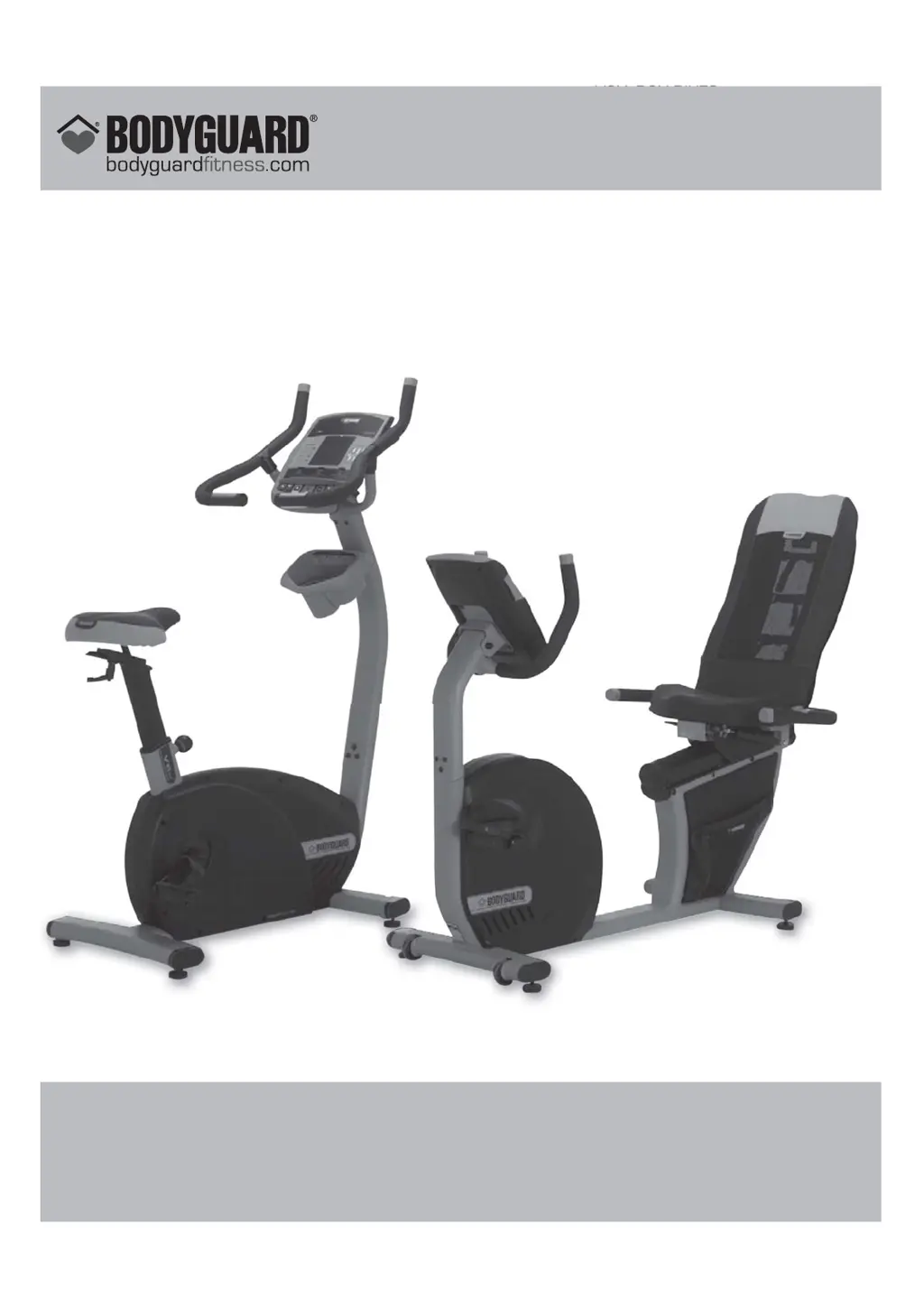
V6X- R6X BIKES OWNER’S MANUAL
V6X– R6X
BIKES
OWNER’S MANUAL
NO: 691023
BODYGUARD
®
FITNESS,
Division of Procycle CANADA
9095, 25
th
Avenue, Saint-Georges (Québec) Canada G6A 1A1
The name “Bodyguard Fitness
®
” and heart logo are registered trademarks of Procycle Group Inc.

Questions and Answers

Summary

Important Safety Notice

For Your Personal Safety

General safety guidelines for operating the exercise bike safely.

Electrical Information

Safety precautions related to the bike's electrical components and usage.

Operating the V6 X;R6 X Bike

Getting to Know the V6 X;R6 X

Overview of the V6X/R6X computer display features and components.

Heart Rate Training Zone

Explanation of heart rate zones for training intensity and fat burning.

Pause During an Exercise

Instructions on how to temporarily pause and resume workouts.

Viewing Exercise Parameters

How to view exercise results like total distance, calories, and time.

Auto Power Off

Information on the automatic power-saving sleep mode and its settings.

Setting Up the Bike Computer

Access to Settings Menu

Instructions on how to enter the computer's main settings menu.

Language Selection

How to select the display language (English or French).

Distance Unit

How to set the unit of distance measurement (miles or kilometers).

Weight Unit Feature

How to set the unit of weight measurement (pounds or kilograms).

Warm Up

How to activate, deactivate, and set the duration for warm-up periods.

Cool Down

How to activate, deactivate, and set the duration for cool-down periods.

Beeper

How to turn the computer's beeper sound ON or OFF.

User Identification

How to manage user profiles for personalized settings and tracking.

Pause Time

How to adjust the duration of the pause function.

Edit Welcome Message

How to customize the message displayed on the welcome screen.

Saving Option

How to enable or disable the option to save exercise data.

Clock Option

Settings for clock display (12/24 hour) and time/date setting.

Segment Duration

How to set the duration of exercise segments (time, distance, calories).

Auto Power Off

How to adjust the auto power-off standby time.

V6 X;R6 X Exercise Programs

JustGo

Manual exercise mode with user-controlled resistance for consistent workouts.

Be Active

Programs designed to help users get in shape and maintain fitness levels.

Body Shape

Programs designed to tone and sculpt the body for weight loss or muscle tone.

Heart Rate

Programs for exercising at predetermined heart rate levels for targeted training.

Custom Program

Allows creation and saving of personalized exercise profiles for tailored workouts.

Heart Rate Monitoring

Contact Heart Rate System

Using the built-in handlebar sensors for immediate heart rate monitoring.

Heart Rate Chest Strap

Instructions and troubleshooting for using a wireless heart rate chest strap.

Computer Diagnostics

NVRAM TEST

Tests the non-volatile RAM memory chip for data integrity.

KEYPAD TEST

Verifies that all keypad buttons are responding correctly to input.

DISPLAY TEST

Checks if all segments and areas of the display screen are working properly.

HEART RATE TEST

Determines if heart rate systems (strap and grips) are functioning correctly.

CLOCK TEST

Verifies the integrity of the clock chip and circuitry.

SMART CARD TEST

Checks the smart card slot's ability to read or write information.

SOUND TEST

Tests the beeper function of the console.

BRAKE TEST

Evaluates the braking system's performance and responsiveness.

SPEED SENSOR TEST

Verifies the functionality and connection of the speed sensor.

STATISTICS

Allows viewing of total distance, time, and calories accumulated.

Maintenance Information

General Care

Guidelines for cleaning and maintaining the bike's surfaces and components.

Quick Troubleshooting Checklist

A guide to resolving common problems with the computer and bike.

Electromagnetic Interference Requirements

Compliance information regarding FCC and Canadian interference standards.

Bodyguard R6X Specifications

General IconGeneral
BrandBodyguard
ModelR6X
CategoryExercise Bike
LanguageEnglish

Related product manuals