17
3.3 Insertion of Battery and Switching on the Device
1. Open up the battery compartment on the back side of the console.
2. Insert one CR2032 3V battery in the battery compartment with the positive pole turning
upwards and the negative pole turning downwards.
3. Put the battery cover back on.
Once the battery is installed, the console will turn on and a beep is sounded.
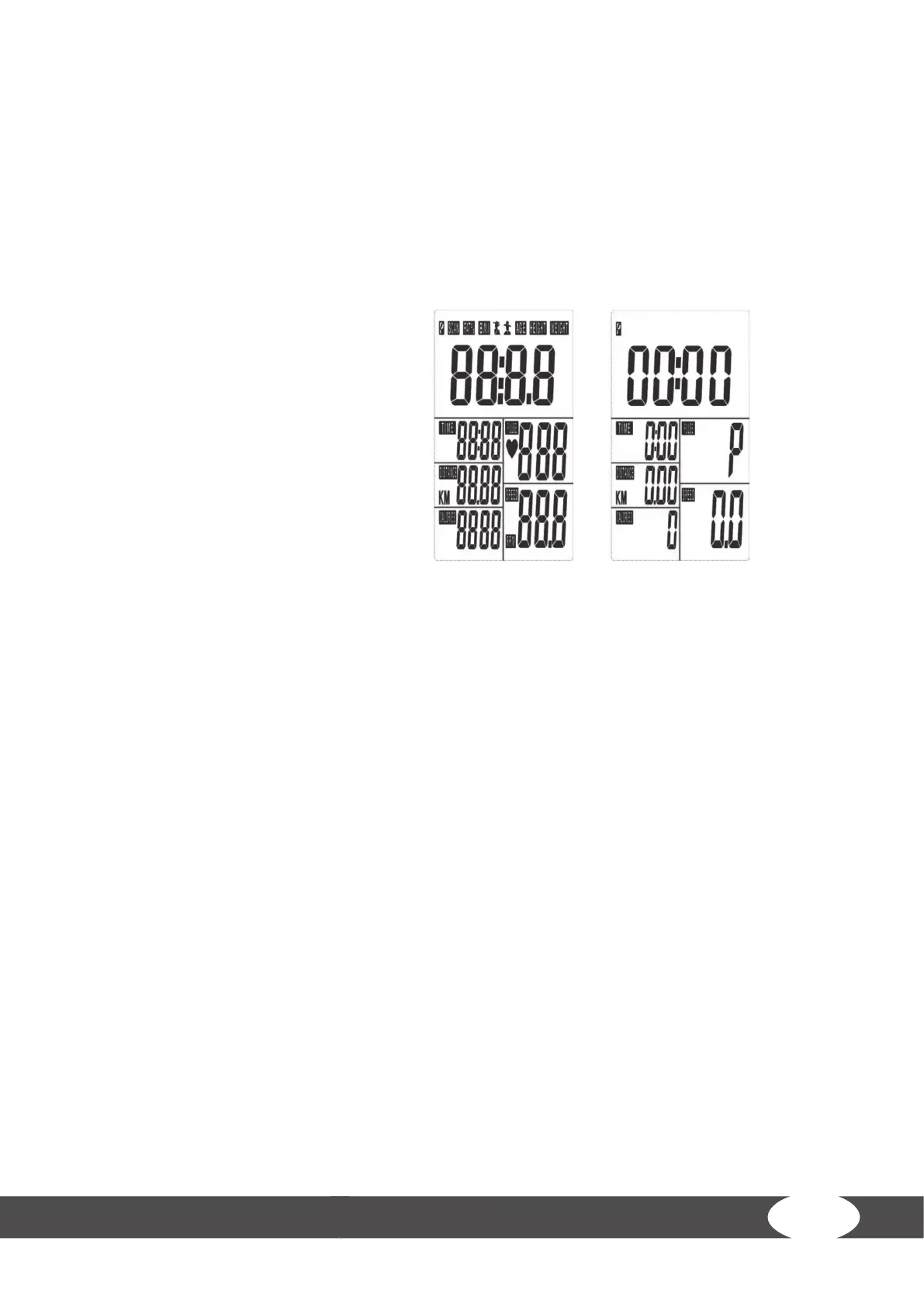
4. Install the calendar settings (year, month, day and clock) and conrm each value with the MODE
button (Fig. 1).
The main menu is now displayed (Fig. 2).
3.4 Workout
To start training, start pedaling.
The values for TIME, DISTANCE and CALORIES will count upwards.
3.4.1 Target Values
1. To set target values for TIME, DISTANCE, CALORIES and PULSE, press the SET button.
The selected value is blinking.
2. To adjust the value, press the SET button.
3. To conrm the value, press the MODE button.
The training starts and the set values will count down to zero. Once you reach zero, the console will beep
for 8 seconds and the value will start counting up if you proceed to keep training.
3.4.2 Standby Mode
After four minutes of no input or training movement, the console enters the standby mode.
Press any button to re-start training. The training data are retained.
Fig. 1 Fig. 2


 To Next Page