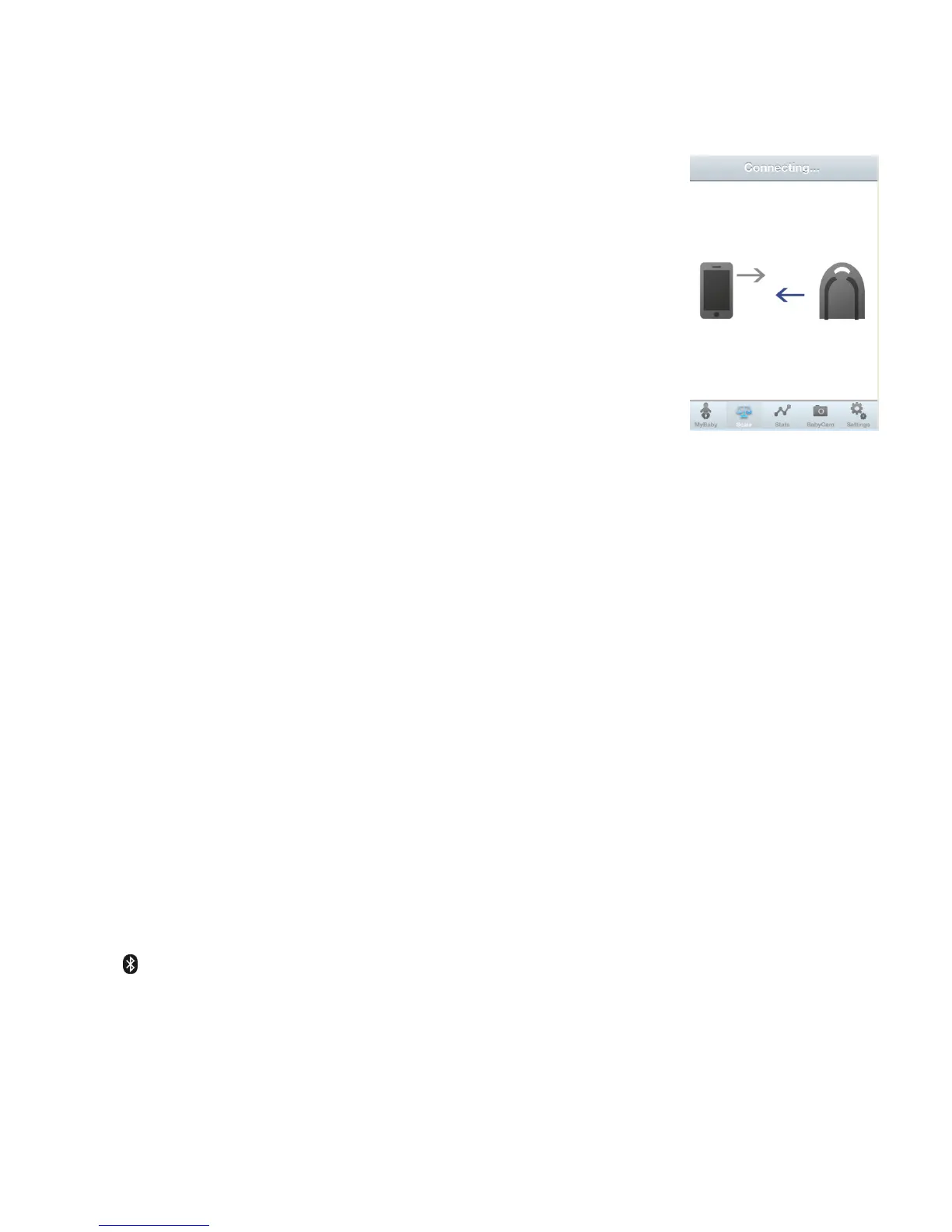
4.3 Weight Transfer
> Switch-on the scale Illustration 19:
> The Bluetooth module is activated when the blue LED
flashes every 2 seconds
> Place the baby centrally on the scale
> When the weight is stable, the weighing result
(and saved weighing results) will be transferred
> The weight is imported in the iParenT App with the
corresponding date and time.*
> Remove the baby to go on with the next weighing;
otherwise the scale switches-off automatically
Note:
> The scale transfers only weighing results over
1,1 lbs/500 g, items below this weight can be tared.
> When pairing was not successful or data could not
be transferred, the scale shows “noApp”.
* Make sure that no other App is open. In case the iParenT App is not yet
installed, the iDevice asks you now to load the App from the App-store.
Further information to the App will be given on the internet:
www.bodytel-scalessolutions.com
4.4 Bluetooth™ Activation/Deaktivation
> The scales default setting is Bluetooth activated
> To deactivate the Bluetooth module hold the MR-key longer and press the
On/Off-key shortly. The blue LED will stop flashing.
> To activate the Bluetooth module use the same procedure as for deactivation.
The blue LED starts flashing every 2 seconds.
4.5 Note
Bluetooth™-Icon: The Bluetooth
®
word mark and logos are registered
trademarks owned by Bluetooth SIG, Inc. and any use of such trademarks by
BodyTel Scales Solutions is under license.


 To Next Page