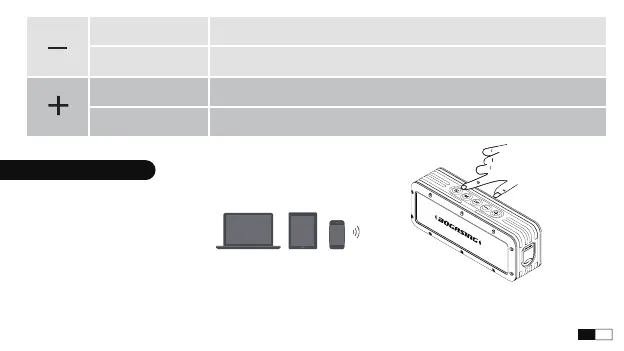
1. Power on the speaker and the indicator light blinking alternately between red and blue.
2. On your device, enable the Bluetooth feature. Select the speaker which named is "BOGASING-G4"
from the device list.
3. Once connected, you will hear a prompt tone and the indicator light glows solid.
Bluetooth Connection
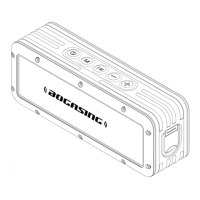
Press Volume down, total 16 levels
Press and hold Previous track
Press Volume up, total 16 levels
Press and hold Next track
06
EN


 To Next Page