Wired Connection
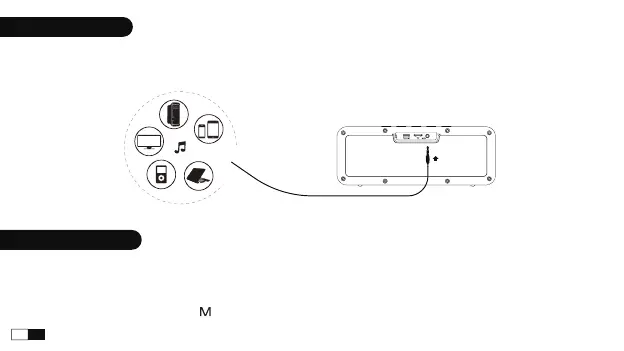
Connect your device with the speaker via 3.5mm audio in cable. When aux cable is plugged, play mode will
automatically switch to AUDIO IN mode.
Multiple Play Modes
1. This speaker supports up to 128GB TF-card; Supports music format: APE/FLAC/WAV/MP3.
2. Insert the TF card into the slot and automatically play the audio file in sequence after recognition.
3. When AUX or USB-C cable is plugged, play mode will automatically switch to AUDIO IN or USB-C mode. If the
bluetooth is connected, press " " button to switch the play mode.
07
EN


 To Next Page