TWS Pairing
Warranty Card
Dear customer, thank you for purchasing our products.
Please keep this warranty card properly in order to serve you better.
Malfunctions and causes Date
Model
Product
Your name
Your phone
Purchase date
Your address
Maintenance
records
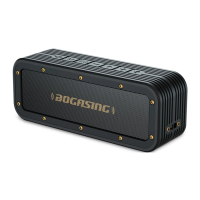
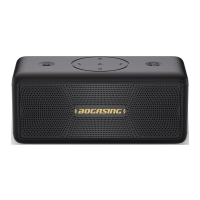
1. Make sure both speakers are powered on and they are disconnect with other devices.
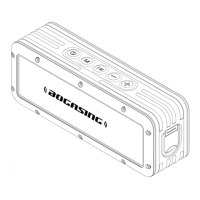
2. Press the " " button twice quickly on one of the speakers to enter TWS pairing mode. At this time,
the orange indicator light of this speaker is blinking.
3. After two speakers are paired, you will hear a beep. At this time, the orange indicator lights of two
speakers are solid.
4. Turn on the Bluetooth function of your cell phone or other devices, find and connect the speaker
named of "BOGASING-M4".
5. After the two speakers are successfully paired, it will automatically enter the TWS mode next time
turning ON, no need to re-pair.
6. If the speaker ever paired with other speaker, Please press and hold the " " button to reset it.
Restart the speaker after reset, and then refer to steps 1-4 to enter the TWS pairing.
7. In TWS mode, only one speaker can be use for hands-free calling when incoming calls, the other
speaker no sound.
8. In TWS mode, you can still switch the sound effects through pressing " " button.
02
04
05
06
07
08
03
01
EN EN


 To Next Page
 Loading...