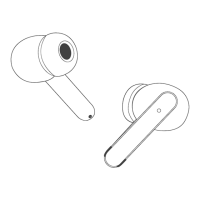
When should I reset?
When only one side plays music;
When you can't find "S12" on your device;
Occur connection issues.
How to reset?
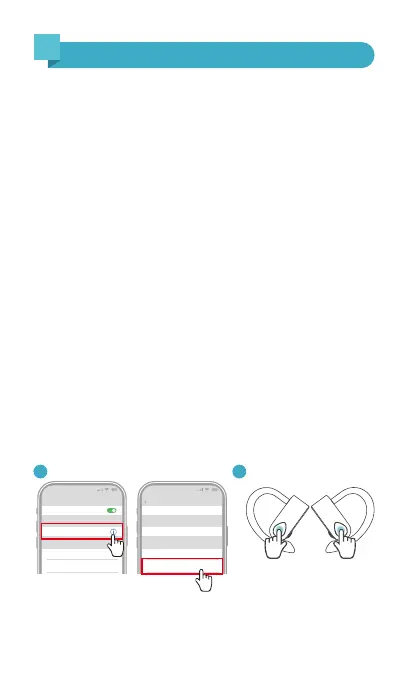
❶ Delete "S12" record from the Bluetooth menu on your
device and deactivate the Bluetooth setting.
❷ Quick-click on both earbuds 5 times simultaneously to
clean the pairing record with the last paired device.
(* During this period, both earbuds' LED will flash Red light
for 3 times.)
❸ Put both earbuds into the charging case to get charged
for 1 minute.
Now, pick up the earbuds to turn them on, activate the
Bluetooth setting on your device and select "S12" to connect,
it should work properly.
12:00
Bluetooth
Bluetooth
S12
Connected
12:00
Name
Disconnect
Forget This Device
Bluetooth
S12
Device Type
Quick-click 5 times
1 2
Note: If it still doesn't work, please repeat the steps to try
again.
9
Facto Restore Setting
8

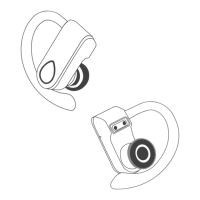

 To Next Page