Need help?
Do you have a question about the BOLOXA S12 and is the answer not in the manual?
List of included items and detailed technical specifications for the S12 earbuds.
Contact information for email, WhatsApp, and web support.
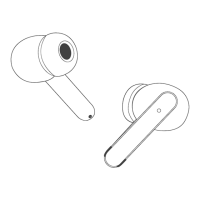
Visual identification of earbuds and charging case parts and features.
Instructions for managing calls, voice assistants, and music playback.
Steps for charging, including case/earbud LED status explanations.
Automatic/manual power control and procedures for pairing with devices.
Guide to using one earbud independently for calls or audio.
Steps and conditions for resetting the earbuds to factory settings.
Android volume sync tip and FCC compliance information.
 General
| Connectivity Technology | Wireless |
|---|---|
| Wireless Technology | Bluetooth |
| Driver Size | 10mm |
| Frequency Response | 20Hz-20kHz |
| Impedance | 32Ω |
| Connection | Bluetooth |

 To Next Page