7
How to Charge?
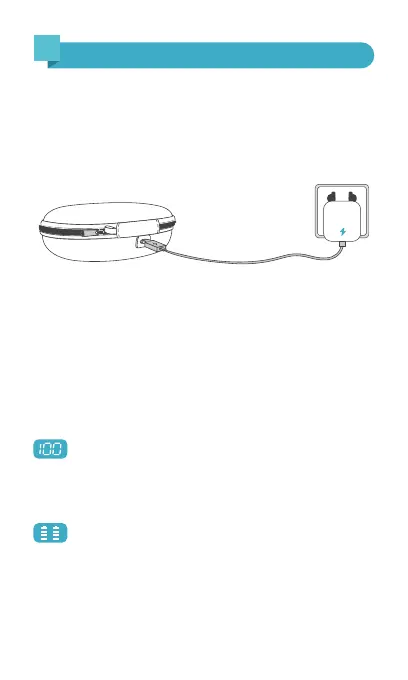
Place the earbuds properly into the charging case, then use
the included USB-C charging cable to connect the charging
case. Plug the other end of the cable into a power supply
using a 5V/1A adapter (not included), and the earbuds will
start charging.
* The USB-C charging cable is in the white paper box.
Note: If the earbud's battery is lower than 10%, you will
hear the voice prompt "battery low" several times, followed
by "power off" in turns.
LED Power Display
Show the remaining battery percentage of the
charging case from 0 to 100. '0' indicates that the charging
case needs charging, while '100' means that the charging
case is fully charged.
Flash down and up when the earbud is charging.
Stop flashing when the earbud is fully charged.
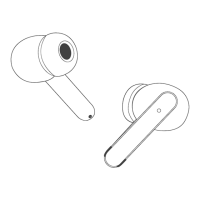
Earbud's LED light: When the red light is on, the earbud is
being charged. They go off when the earbud is fully charged.
5


 To Next Page