Need help?
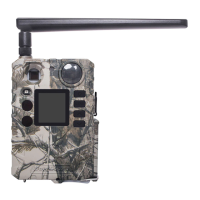
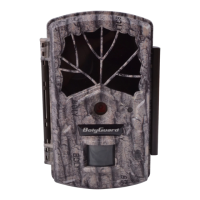
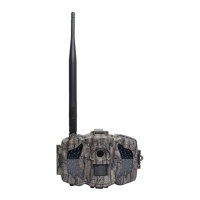
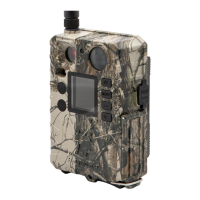
Do you have a question about the Boly BG310 Series and is the answer not in the manual?
Details on using 18650 batteries and external power sources for camera operation.
Guidelines for TF card compatibility, insertion, and proper handling for camera functionality.
Information on SIM card requirements, insertion, and usage for wireless communication models.
Explanation of the OFF, SETUP (Test), and Hunting modes for camera operation and configuration.
Instructions on how to navigate and view images and videos stored on the camera.
Steps for sending images and videos via MMS, GPRS, or Molnus service.
Guide for setting a four-digit password to protect camera access and privacy.
Overview of the camera's LCD interface, icons, and button functions for navigating settings.
Instructions for setting up wireless communication features on compatible camera models.
Guide to downloading and using the BMC configuration software via USB for detailed settings.
Steps for installing and using mobile applications like BGTools for remote camera management.
Instructions for connecting the camera to the Molnus cloud service for data storage and access.
Details on various configurable settings like Language, Camera Mode, Photo Size, PIR sensitivity, etc.
 General
| LCD Screen | Yes |
|---|---|
| Water Proof | IP66 |
| Optical Zoom | No |
| Battery Type | AA |
| LCD Screen Size | 2.0" |
| Memory Card | SD Card (8MB~32GB) |
| Picture Resolution | 3MP |
| Video Resolution | 1080P |
| PIR Sensitivity | High/Normal/Low |
| Operation Humidity | 5%~90% |
| Power Supply | 8 AA batteries or DC 6V/2A |
| Interface | USB 2.0 |
| Weight | 0.3 kg |

 To Next Page