Need help?
Do you have a question about the Boly BG590-K2 and is the answer not in the manual?
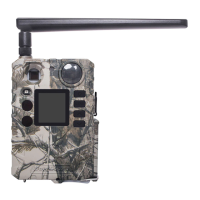
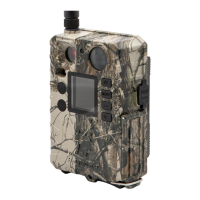
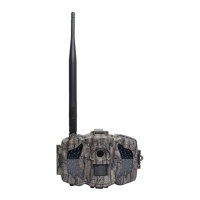
Provides an overview of the BG590-K2 trail camera, its power source, and interfaces.
Illustrates the external components of the BG590-K2 camera, including lens, PIR, and LEDs.
Details the types of AA batteries recommended and their usage for the camera.
Explains the recommended SD card specifications and proper insertion methods.
Describes the three operational modes: OFF, ON, and SETUP, and their functions.
Instructions for manually taking photos or recording videos using the camera.
Guide on viewing, deleting, and managing captured photos and videos.
Method for rapidly switching between different camera operational modes.
Explains the PIR trigger, Time Lapse, and combined PIR & Timer trigger modes.
Details the camera's control buttons and the information displayed on the LCD screen.
Guide to configuring camera settings like language, modes, and clock.
 General
| Sensor Type | CMOS |
|---|---|
| IR Flash | Yes |
| Video Resolution | 640x480/320x240/160x128 |
| Low Battery Alert | Yes |
| Battery Type | AA |
| Image Sensor | 5 Megapixels CMOS Sensor |
| LCD Screen Size | 2.0" |
| Memory Card | Up to 32GB SD card |
| Picture Resolution | 2592x1944 |
| PIR Sensitivity | High/Normal/Low |
| Weight | Approx. 300g |
| Operation/Storage Temp | -20°C to +60°C / -30°C to +70°C |
| Power Supply | 4xAA |
| Interface | USB |
| Effective Pixels | 5.0MP |

 To Next Page