- 32 -
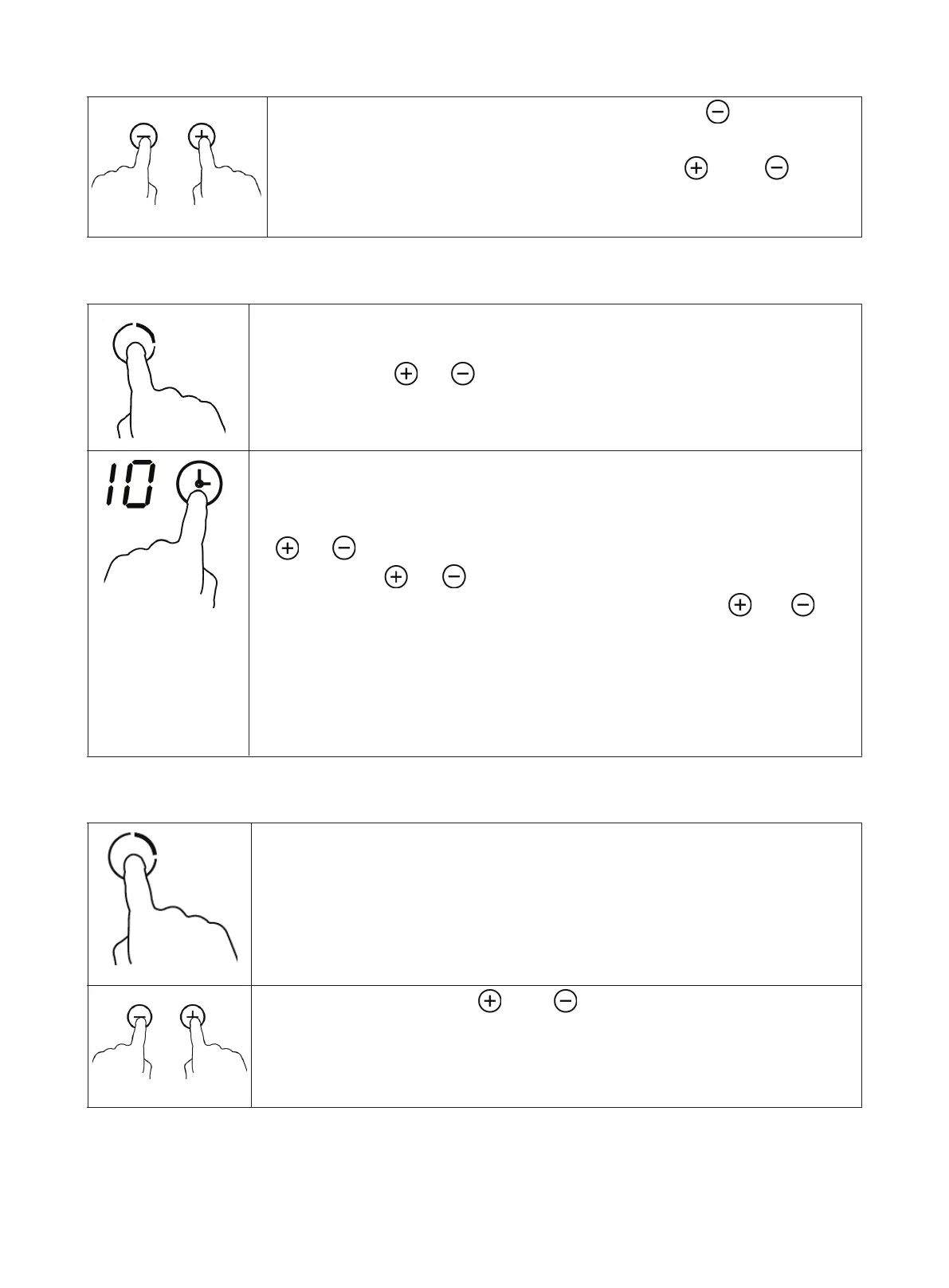
• To turn off the cooking zone, touch the button, until
the indicator “0” appears.
• As an alternative, touch the buttons
and at the
same time; the power is reset to level 0 and the cooking
zone is turned off.
Using the Timer
• Select the cooking zone for which the timer is to be set on
the operation panel and set the desired heating level with
the buttons
or
.
• Touch the button Timer Setting. The timer indicator shows
“10” and the timer can be set.
• Set the timer between 1 and 99 minutes with the buttons
or .
• Each time
or is touched, the set time is changed by
one minute. By continuously touching button
or ,the
set time is changed in steps of 10 minutes.
• After the timer has been set, the timer display ashes for
5 seconds. A red dot next to the cooking level indicates
that a timer has been set for this cooking zone. The dis-
play shows the remaining time.
Canceling the Timer Setting
• Select the cooking zone for which the timer is to be can-
celed on the control panel.
• Touch the buttons and ,at the same time to cancel
the timer for the cooking zone. The timer display shows
“--”.


 To Next Page