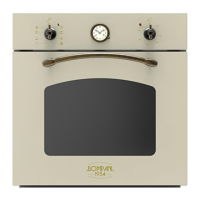
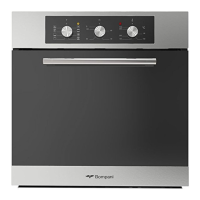
5
1. GENERALITIES
WARNING : Installation must be carried out by qualified individuals, who must follow the instructions indicated in this booklet and
those provided for by law (Law n.46, dated 03/05/1990 - System Safety Standards).
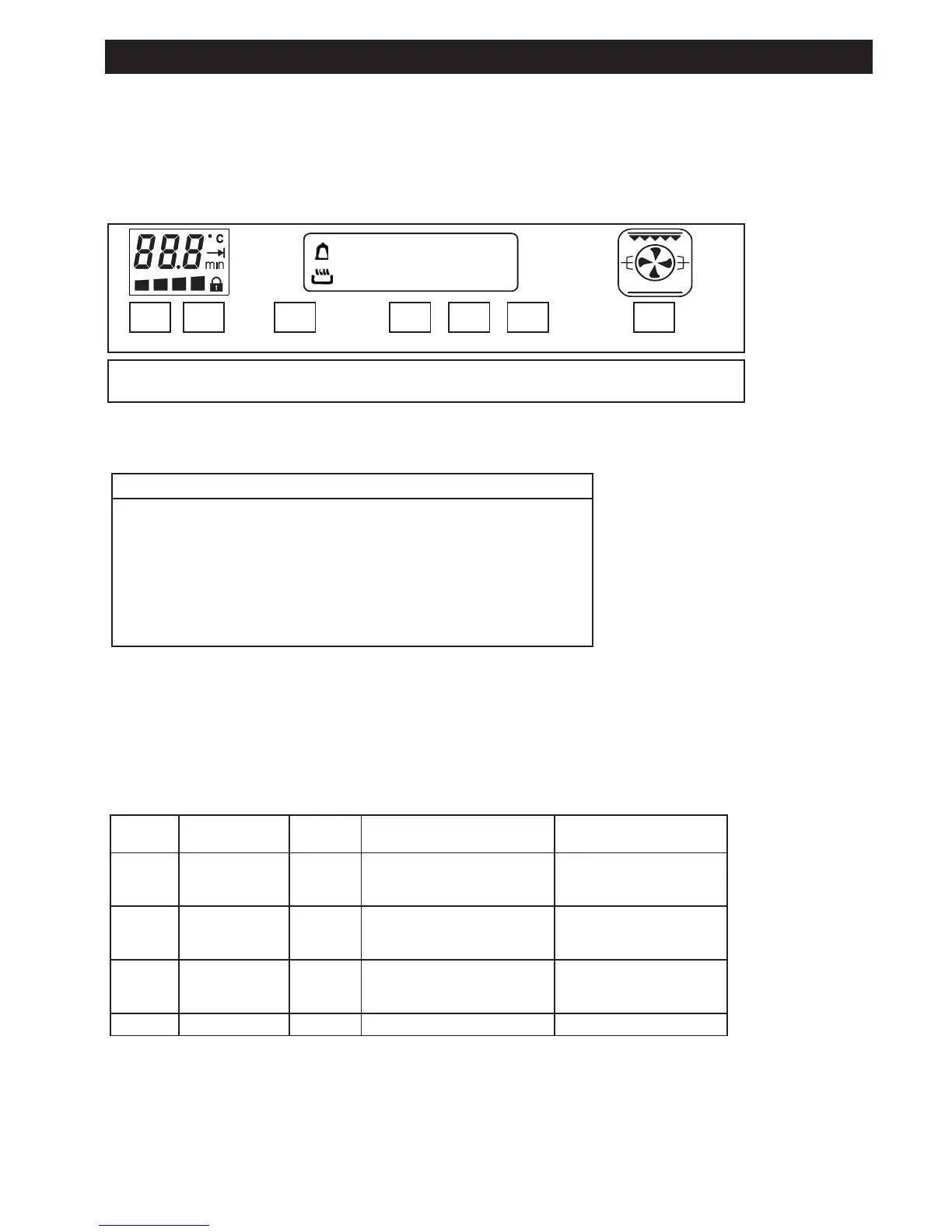
2. USER INTERFACE WITH TOUCH KEYS AND DISPLAY
- + Boost Time - + 0/I
7 6 5 4 3 2 1
88 - 88
A
2.1 Key functions
FUNCTION KEY (description from right to left)
1 0/I Turns on the oven and activates the -/+ key for cooking method selection
1 + 0-n Child safety: press the 0/I for 4 seconds
2 + Increases the time and selects the cooking method
3 – Decreases the time and selects the cooking method
4 Time: selects the time functions in sequence( see following table)
5 Boost: Fast pre-heat option
6 + Increases the temperature
7 – Decreases the temperature
Automatic repeat combined with the “-“ and “+” keys if kept pressed: one increment every 500 ms during the first second, one incre-
ment every 200 ms to follow.
2.2. “Time” key cyclical functions
If repeatedly pressed, the following sequence will be displayed:
Pulse Displayed after
pressing
Action Display shows after 2 seconds Azione Utente tramite “+”
o “-”
1 ( bell ) None flashes as default value, other-
wise current value
Alarm signal time adjustment
Set alarm signal time
2 ( dur ) None flashes as default value, other-
wise current value
Alarm signal time adjustment
Set cooking length time
adjustment
3 ( End ) None the result between current
time/hour and length (default
or current) in flashing mode
Set cooking end time
4 ( hour 9 ) None Flashing clock Set actual time (clock)
Instructions
AUS


 To Next Page