EasyManua.ls Logo

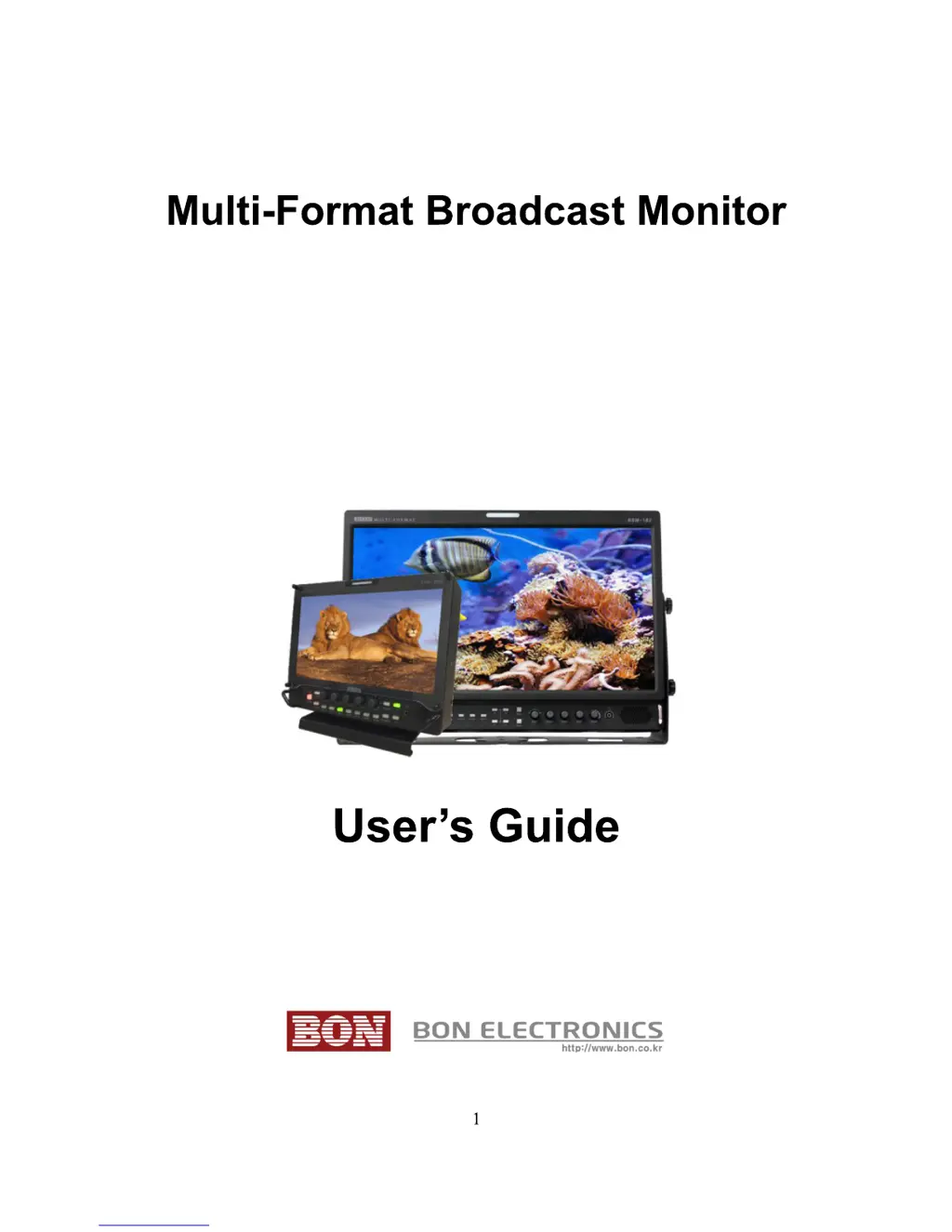
BON ELECTRONICS BSM-093N3G - User Manual

BON ELECTRONICS BSM-093N3G
33 pages
Print Icon
To Next Page IconTo Next Page
Loading...
BSM-093N3G / BSM-173N3G
BSM-183N3G / BSM-213N3G
BSM-243N3G / BSM-463N3G
BSM-553N3G
BSM-212i / BSM-242i

Questions and Answers

  • C
    Carrie MillerAug 7, 2025
    How to troubleshoot BON ELECTRONICS Monitor when power isn't turned on?
    • R
      Richard MillerAug 7, 2025
      If your BON ELECTRONICS Monitor isn't powering on, ensure the power cable is securely connected to both the outlet and the monitor. Press and hold the power button for at least one second. To further isolate the issue, try using the same power cable with another monitor or electrical device.
  • M
    Michelle PerezAug 11, 2025
    What to do if "No Signal" appears on BON ELECTRONICS BSM-093N3G Monitor screen?
    • A
      Anthony ReevesAug 11, 2025
      If you see a "No Signal" message on your BON ELECTRONICS Monitor, first check that the correct input source is selected. If that doesn't work, restore the monitor to its factory default settings and try again. Try using a different input cable and ensure the cable is properly connected. Verify that the input format and frequency are supported by the monitor. Finally, test with a different input device. If another device works, the original device might be generating a non-standard signal; if this is the case, please inform us of its model name.
  • H
    Harold AllenAug 16, 2025
    What to do if the screen is black but the button lights are on during the BON ELECTRONICS BSM-093N3G Monitor startup?
    • C
      cnguyenAug 16, 2025
      If your BON ELECTRONICS Monitor screen remains black with all button lights illuminated during startup, try reconnecting the power and restarting the monitor. If this issue occurs more than three times, it is recommended to call for service.
  • K
    Kimberly CampbellAug 20, 2025
    What to do if BON Logo appeared on Startup, but No Screen Output when Input Signal Connected on my BON ELECTRONICS BSM-093N3G?
    • C
      Christopher MillerAug 20, 2025
      If the BON logo appears during startup but there's no screen output when an input signal is connected, remove the input cable and check if "No Signal" appears on the screen. If you don't see "No Signal", restart the monitor. Restore the monitor to its factory default settings and try again. Check the cable connectivity and try a different cable. Also, verify the input format and frequency. Test with a different input device. If successful, the original input device may be generating a non-standard signal; please inform us of its model name.
  • A
    Amy MorrisAug 25, 2025
    Why does the BON ELECTRONICS Monitor screen position mismatch?
    • W
      wschneiderAug 26, 2025
      If you're experiencing screen position mismatch on your BON ELECTRONICS Monitor, try restoring the monitor to its factory default settings. If the issue persists, reconnect the power and restart the monitor. As a further step, try using a different input device. If the problem is resolved with a different device, the original input device may be generating a non-standard signal; please inform us of its model name.
  • C
    christy47Aug 28, 2025
    Why do colors look different between different BON ELECTRONICS BSM-093N3G models?
    • J
      Jay PittmanAug 28, 2025
      If you notice color variations between different BON ELECTRONICS Monitor models, allow your monitor a one-hour warm-up period. Different panels possess unique characteristics, which can result in color variations.
  • D
    David RobinsonSep 2, 2025
    Why do colors look different between same BON ELECTRONICS BSM-093N3G models?
    • S
      Stephanie HaleSep 2, 2025
      If colors appear different even between the same BON ELECTRONICS Monitor models, allow a one-hour warm-up time for your monitor. Even identical panels have a tolerance range set by the panel manufacturer, leading to slight color variations. The tolerance range is specified in the Panel Standard Document included in the CD.

BON ELECTRONICS BSM-093N3G Specifications

General IconGeneral
Contrast Ratio500:1
Response Time25ms
Screen Size9 inches
Resolution800 x 480
Aspect Ratio16:9
Input Voltage12V DC
Operating Temperature0°C
Storage Temperature-20°C