13
en
OPERATING MODES
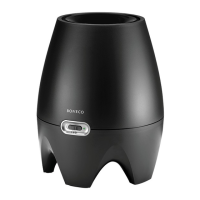
The BONECO E2441A evaporator has two operating
modes, which can be selected using the slide switch.
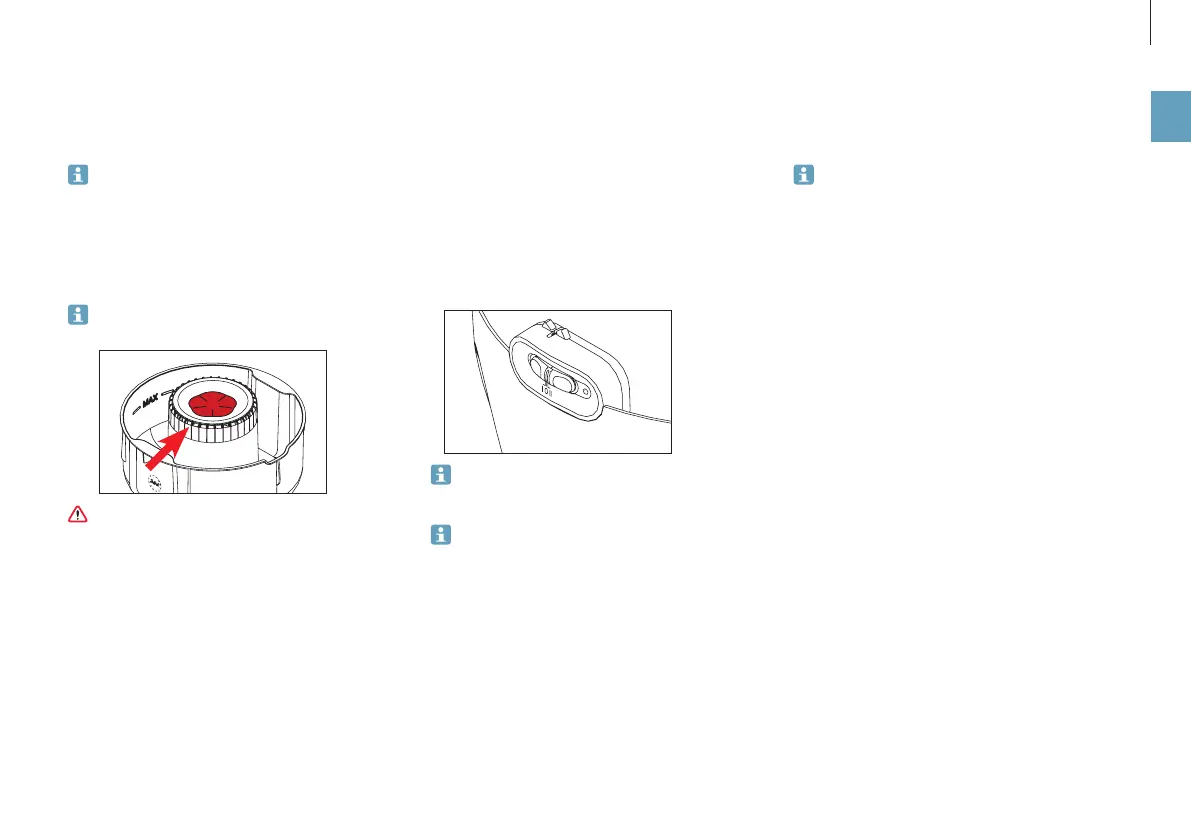
In position «I», the BONECO E2441A evaporator runs
quietly (night mode). In position «II», the BONECO
E2441A evaporator runs at normal output.
USING FRAGRANCES
For additives such as fragrances and essential oils,
always use the fragrance container:
Never mix any additives into the water base itself,
since doing so can decrease the performance of the
BONECO E2441A evaporator and even cause dam-
age.
PUTTING INTO OPERATION
1. Fill the BONECO E2441A evaporator with water (see
page 12).
2. Plug the unit in at a power outlet.
3. Set the slide switch to «I» or «II» to select your desired
operating mode.
In either mode, a green LED indicates that the
BONECO E2441A evaporator is operating correctly.
If the LED is red, either the water base is not in its
correct position, or the level of the water is too low
and needs to be replenished.
WATER AND HYGIENE
After having not been operated for a time, the
BONECO E2441A evaporator should be emptied and
cleaned. Before using the evaporator again, it should
be filled with fresh water. Otherwise, unwanted
odors can result. Also note the instructions on page
14 on this topic.
OPERATION


 To Next Page
 Loading...