19
en
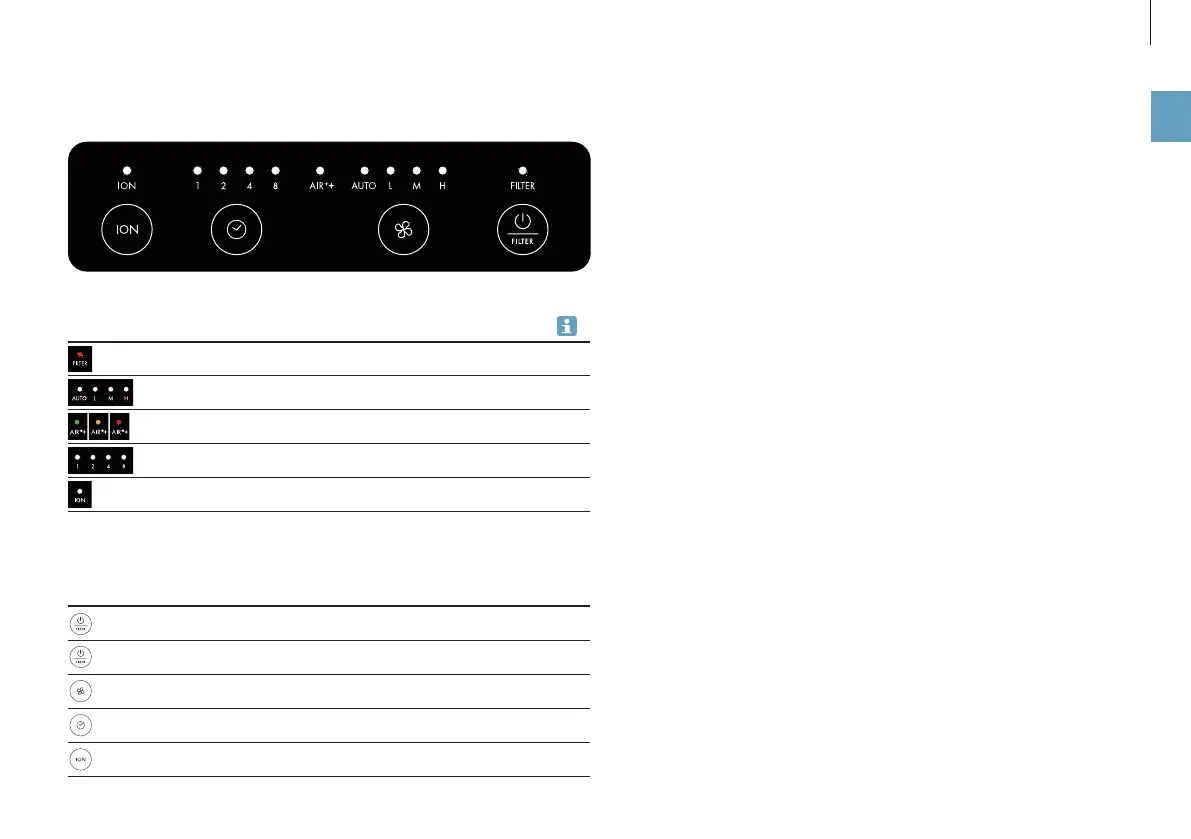
Indicators Meaning
Filter used up, replace 22
AUTO mode and fan level 20
Display of air quality (green, orange, red) 20
Timer function (1, 2, 4 or 8 hours) 21
Ionizer is switched on or off 21
SYMBOLS AND DISPLAYS
Control buttons
Switch appliance on and off
Put the filter back (5 seconds)
Regulate the output level
Access the timer function
Switch ION on and off


 To Next Page
 Loading...