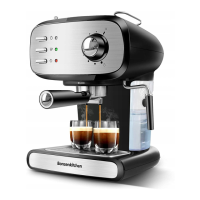
2. Then connect the appliance to power supply source.
3. Press down the ON/OFF switch, the red indicator is illuminated.
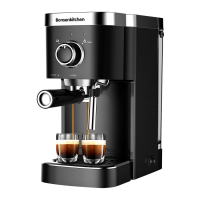
4. Turning the coffee/steam knob to the “” position and waiting for a moment,
the appliance begins to be heated until the white indicator is illuminated, it
shows the heating is finish.
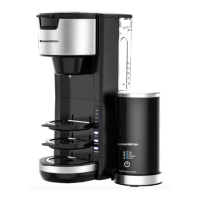
5. Dip the steam wand with a plastic sleeve into the liquid to be heated or the
intended froth milk. Turn the coffee/steam knob to the “” position and start
making steam.
6. When the required temperature is reached or the frothing milk is obtained, you
can turn the coffee/steam knob to the “” position.
7. Press the ON/OFF switch to cut off the power source.
1. After pressing the power switch, if there is no operation within 25 minutes, the
unit will power off automatically.
2. After pressing the power switch, if there is no operation after the pump worked
for the 90s during brewing coffee, the pump will stop working automatically.
3. After pressing the power switch, if there is no operation after the pump worked
for 180s during froth milk, the pump will stop working automatically.
1.Cut off power source and let the coffee maker cool down completely before
cleaning.
2.Clean housing of coffee maker with moisture-proof sponge often , and clean
water tank, drip tray and drip plate regularly then dry them.
Note: Do not clean with alcohol or solvent cleaner. Never
immerse the housing in water for cleaning.
3.Detach the metal funnel by turning it clockwise, get rid of coffee residue inside,
then you can clean it with cleanser, but at last, you must rinse with clear water.
4.Clean all the attachments in the water and dry thoroughly.
AUTOMATICALLY STOP FUNCTION
CLEAN AND MAINTENANCE
21


 To Next Page