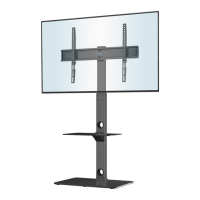
Need help?
Do you have a question about the BONTEC ST-13 and is the answer not in the manual?
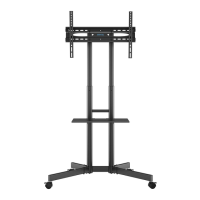
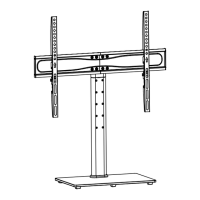
Attach the rubber feet (L) to the tempered glass (D) base.
Connect TV plates A and B to the support column using bolts H and washers I.
Adjust the height of the TV plate on the support column and secure it.
Secure the support columns to the base using wire clips M.
Select appropriate bolts (W-A to W-E) and washers (W-F) or spacers (W-G, W-H) for your TV.
Hang the TV onto the TV plate, noting adjustable gears.
Secure the TV to the plate using buckles (N) and bolts (O).
Route and manage the TV cables using the provided clips or ties.
 General
| Brand | BONTEC |
|---|---|
| Model | ST-13 |
| Category | Racks & Stands |
| Language | English |

 To Next Page