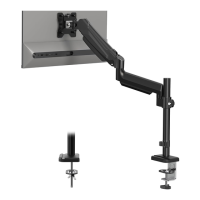
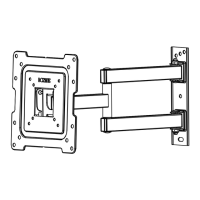
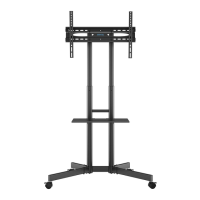
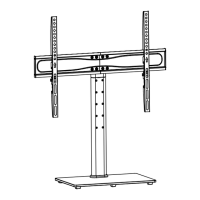
Need help?
Do you have a question about the BONTEC GWM01 and is the answer not in the manual?
Lists the required tools not supplied with the mount for installation.
Overview of all components included in the package.
Components specifically for the initial installation step.
Components required for the second installation phase.
Components needed for the third installation phase.
Hardware for the fourth and fifth installation steps.
Instructions on connecting extender brackets to the main faceplate.
Method for mounting monitors with a flat rear surface.
Method for mounting monitors with a rounded rear surface.
Method for monitors featuring a protruding section on the back.
Technique for managing cables or inset holes.
Detailed guide for mounting into wooden wall studs.
Initial steps for mounting into concrete or block walls.
Fine-tuning the arm's tension to hold the monitor's weight.
Setting the desired vertical angle for the monitor display.
Adjusting the mount's horizontal rotation.
Adjusting the monitor's vertical tilt angle.
Adjusting the monitor's screen orientation.
 General
| Brand | BONTEC |
|---|---|
| Model | GWM01 |
| Category | Racks & Stands |
| Language | English |

 To Next Page