EasyManua.ls Logo

Booster BMTV-9750DVUSBT User Manual

Booster BMTV-9750DVUSBT
54 pages
To Next Page IconTo Next Page
Page #1 background imageLoading...
Page #1 background image
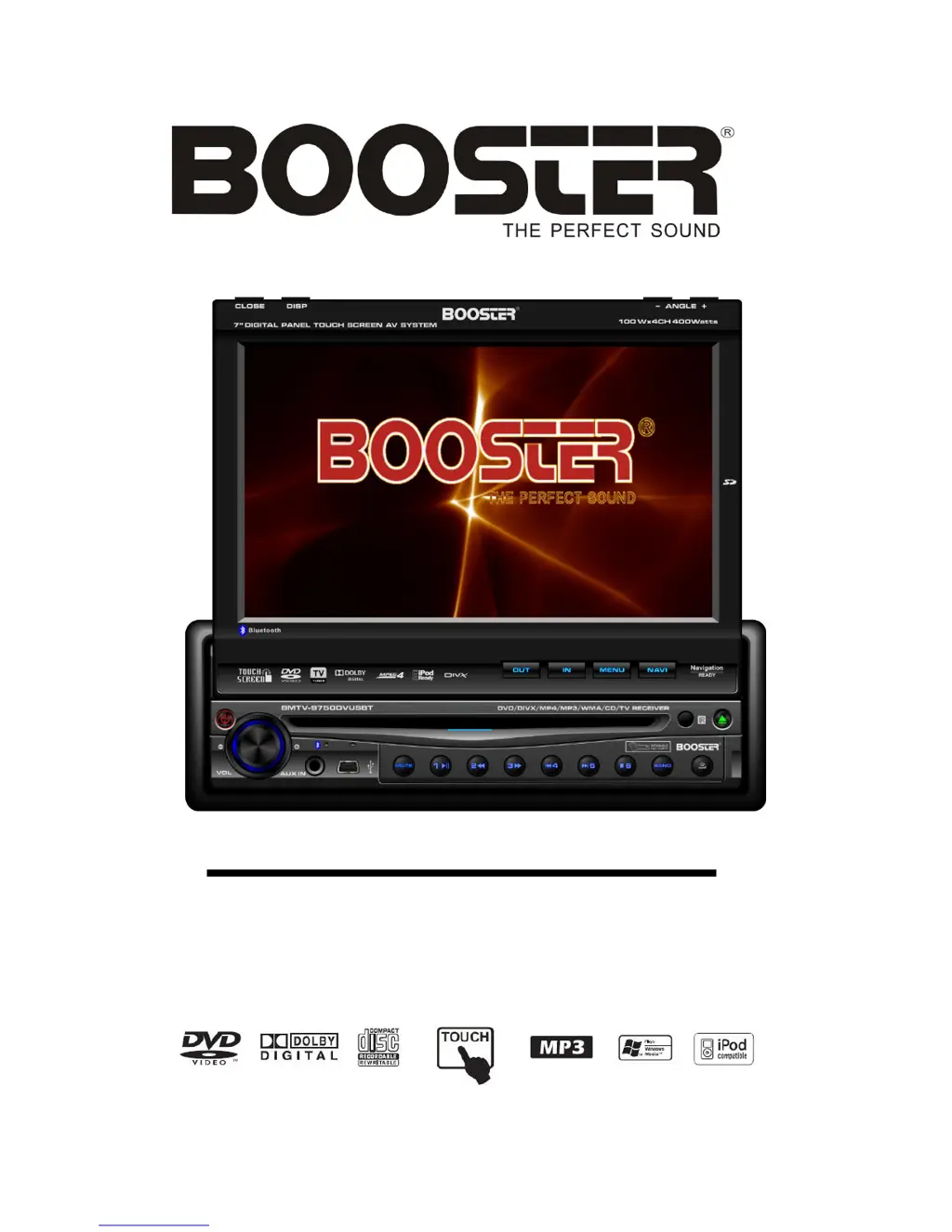
BMTV-9750DVUSBT
INSTALLATION /OWNER'S MANUAL
DVD Multimedia Receiver with 7" ampla tela sensível ao toque
In-Dash Fully Motorized TFT Monitor
DVD/AM/FM/TV/Bluetooth Receiver
with GPS Navigation ready adapter
Question and Answer IconNeed help?

Do you have a question about the Booster BMTV-9750DVUSBT and is the answer not in the manual?

Booster BMTV-9750DVUSBT Specifications

General IconGeneral
Monitor TypeTFT LCD
TouchscreenYes
DVD PlayerYes
USB InputYes
SD Card SlotYes
BluetoothYes
GPS NavigationNo
Rearview Camera InputYes
Remote ControlYes
Built-in SpeakersYes
Region Code1
Supported FormatsDVD, CD, MP3
Power Supply12V DC

Summary

SAFETY INFORMATION

General Safety Warnings

Important safety precautions for operating the multimedia receiver to prevent hazards.

FEATURES

Product Features Overview

Comprehensive list of the multimedia receiver's capabilities and functions.

ACCESSORIES

Included Accessories List

Identifies all items included in the product package with visual aids for easy recognition.

WIRE CONNECTION

Wiring Cautions and Warnings

Critical safety advice and procedures for connecting the unit's wiring harness to prevent shorts and damage.

Wiring Diagram

System Wiring Configuration

Visual representation of all electrical connections for proper system setup and integration.

INSTALLATION AND REMOVAL

Tools and Supplies

Lists required tools and materials for the proper installation of the unit.

Installation Methods

Step-by-step guides for installing the unit using different dashboard mounting techniques.

Removal Methods

Step-by-step guides for removing the unit from the dashboard mounting.

FRONT PANEL

Front Panel Controls and Indicators

Identifies and explains the function of buttons, ports, and displays on the unit's front panel.

REMOTE CONTROL

Remote Control Button Functions

Explains the functionality of each button on the provided infrared remote control for system operation.

Replacing Remote Battery

Instructions on how to replace the battery in the remote control when it is depleted.

TOUCH SCREEN OPERATIONS

Touch Screen Calibration

Guide for calibrating the touch screen for accurate input response and optimal user interaction.

MAIN MENU NAVIGATION

Graphical User Interface (GUI) Modes

Overview of the two available graphical interfaces for accessing system menus and functions.

RADIO OPERATIONS

Radio Controls and Functions

Explains how to use the radio tuner, select bands, presets, and auto-station tuning.

DVD PLAYER OPERATIONS

DVD Playback Controls

Details on how to play, pause, stop, fast forward/reverse, and navigate DVD content.

DVD Setup Menu

Guide to configuring DVD playback settings like system, language, video, and speaker options.

SYSTEM SETUP MENU

TV, Language, and Parental Settings

Configuration for TV display system, language selection, and parental rating controls.

Video, Speaker, and Digital Settings

Adjustments for video parameters, speaker output modes, and digital audio settings.

BLUETOOTH OPERATIONS

Bluetooth Pairing and Settings

Instructions for pairing devices, managing auto answer, and configuring Bluetooth connection settings.

Phone Call Management

How to make, receive, end, and transfer phone calls via the Bluetooth connection.

Phonebook and Contacts

Accessing and managing phone contacts stored on the device or SIM card for calls.

IPOD OPERATIONS

iPod Music and Video Playback

How to control music and video playback from a connected iPod device.

MEDIA OPERATIONS

SD Card Mode

Instructions for accessing and operating media files from an inserted SD/MMC card.

USB Mode

Instructions for accessing and operating media files from a connected USB storage device.

AV INPUT OPERATIONS

AV IN and AUX IN Modes

How to connect and operate external audio/video sources via AV and AUX inputs.

TV OPERATIONS

TV Tuner Controls

How to tune channels, scan, and operate the built-in TV tuner for reception.

NAVIGATION OPERATIONS

GPS Navigation System

Information on connecting and using an external GPS navigation box for navigation features.

SYSTEM PARAMETERS SETUP

Screen and Sound Settings

Adjustments for display (contrast, tint, color, brightness) and audio (treble, bass, balance, fader) parameters.

Clock, Saver, and System Settings

Configuration for time display mode, screen saver options, radio area, GUI, and loudness.

SPECIFICATIONS

Technical Specifications Overview

Detailed technical data including power output, dimensions, frequency ranges, and monitor specifications.

TROUBLESHOOTING

General Unit Issues

Solutions for common problems like no power, low audio output, fuse issues, or unit resets.

Monitor and Disc Problems

Troubleshooting steps for TFT monitor display issues and disc playback errors like skipping or inability to read.

DISC NOTES AND HANDLING

Disc Compatibility and Cleaning

Information on supported disc formats, proper handling, and cleaning procedures to ensure playback.

Related product manuals