6.1.4.4 Stylus Calibration
If the tip of your stylus does not match with the position on the screen, you can improve
the precision by stylus calibration.
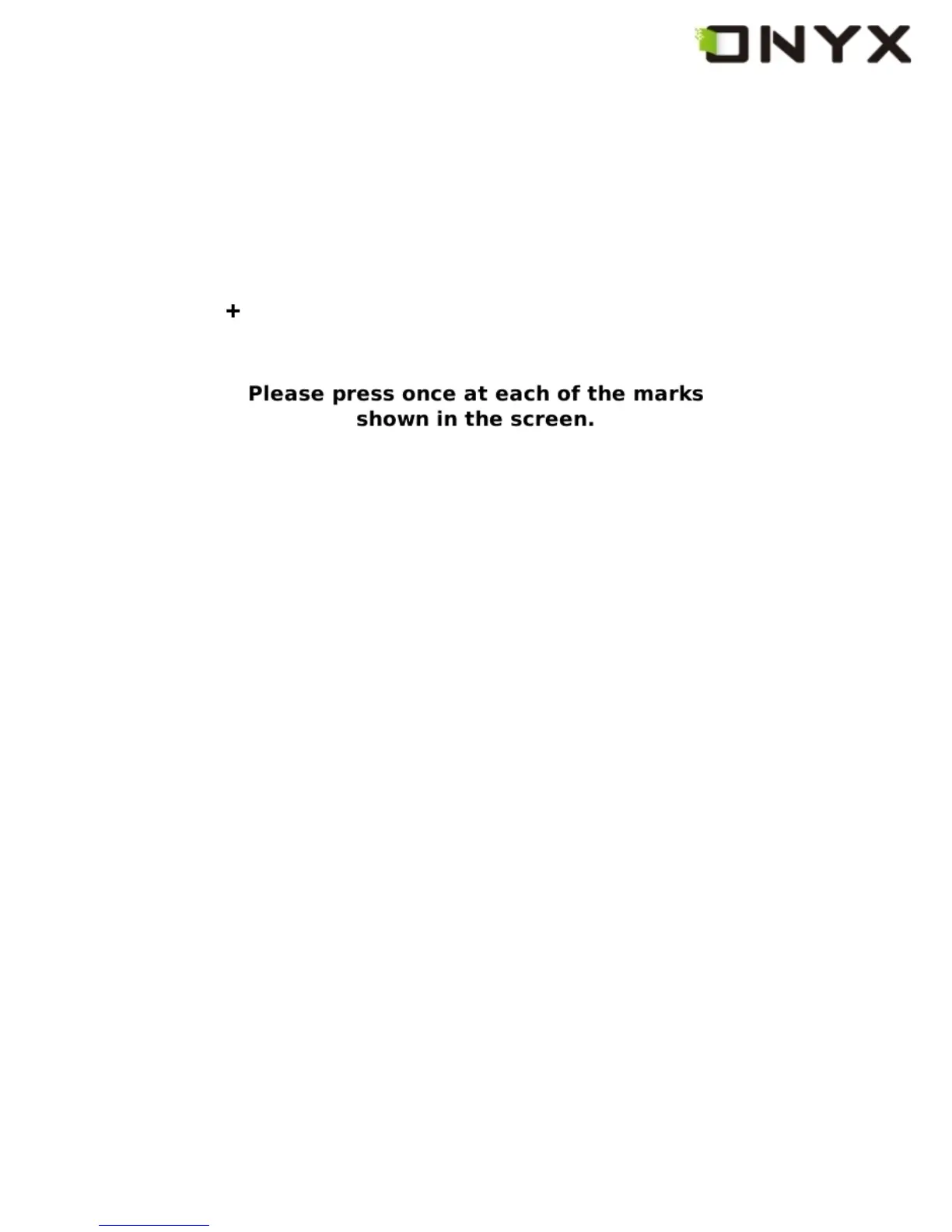
Fig. 6.1.4.4 (1) Initial Screen of Stylus Calibration
Follow the guideline displayed on the screen: ‘Please press once at each of the marks
shown on the screen’. After you click on the center of the mark, the screen will refresh
Copyright © 2009 Onyx International. All rights reserved. 25



 To Next Page