Sound quality is not good.
Solution:
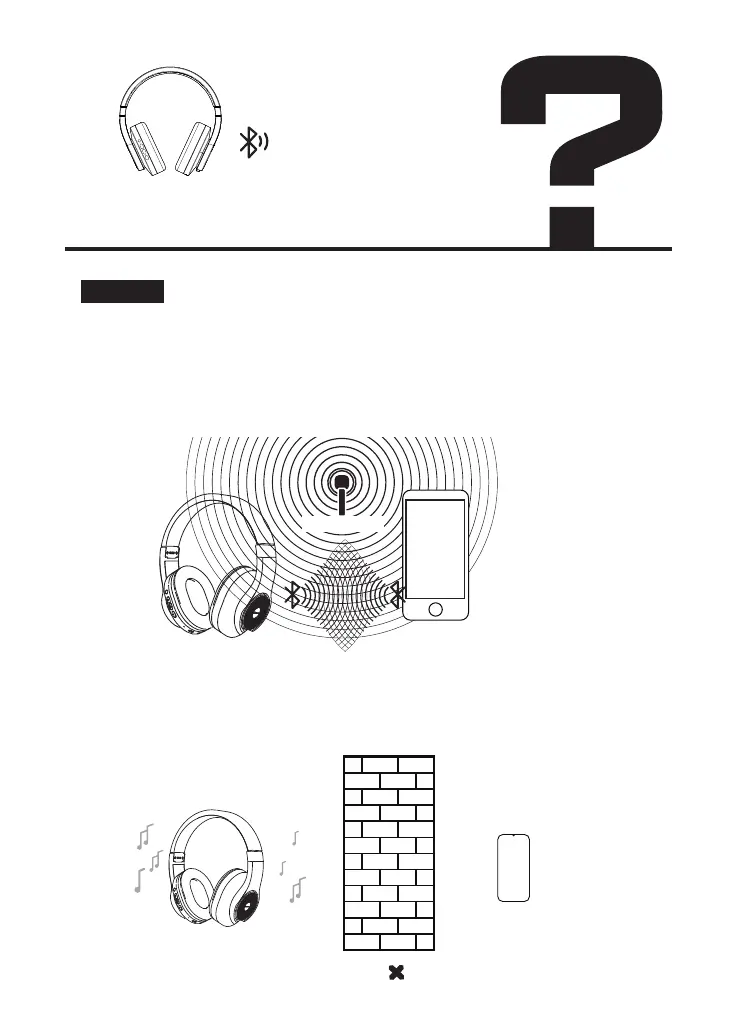
1. Please use the Bluetooth device away from Wi-Fi routers, personal
computers, microwave ovens, refrigerators, etc to avoid radio
wave interference.If you use a headphone set with a noise canceling
function, turn the noise canceling function off.
2. Move the Bluetooth device to a position where there is no obstacle for
Bluetooth communication when using the Bluetooth devices in a pocket or
a bag.
WiFi 2.4GHz


 To Next Page