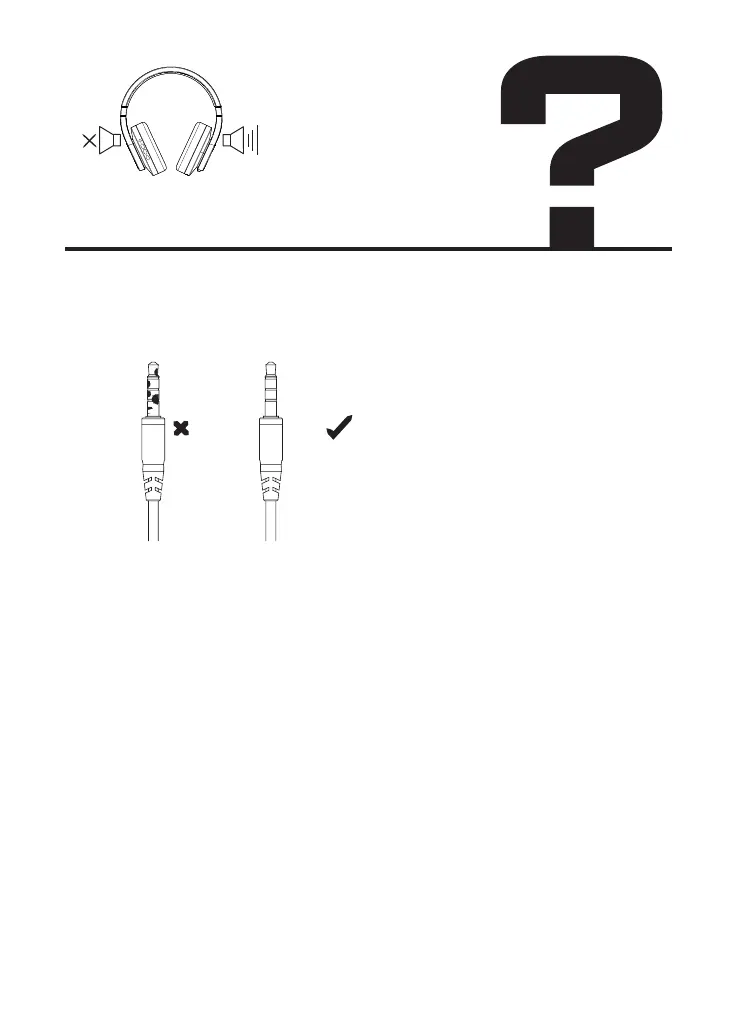
3. Clean the dust or impurity of the plug
Bluetooth connection:
1. Make sure to select your headphones in the Bluetooth settings of your
audio source.
2. Make sure there are no multiple devices that emit radio waves nearby
3. Turn your headphones off and on.
Pair your headphones to your audio device again.
4. Try connecting your headphones to another audio source.
If the sound is heard, the first audio source may require repair.
If your headphones don't produce any sound after connecting to a second
audio source, your headphones may require service."Please feel free to
contact us and we will help you repair products.
There is no sound from
one side or both sides


 To Next Page