EasyManua.ls Logo

BORGUSI CTM5104 - User Manual

BORGUSI CTM5104
23 pages
Print Icon
To Next Page IconTo Next Page
Loading...
BORGUSI
USER’S MANUAL
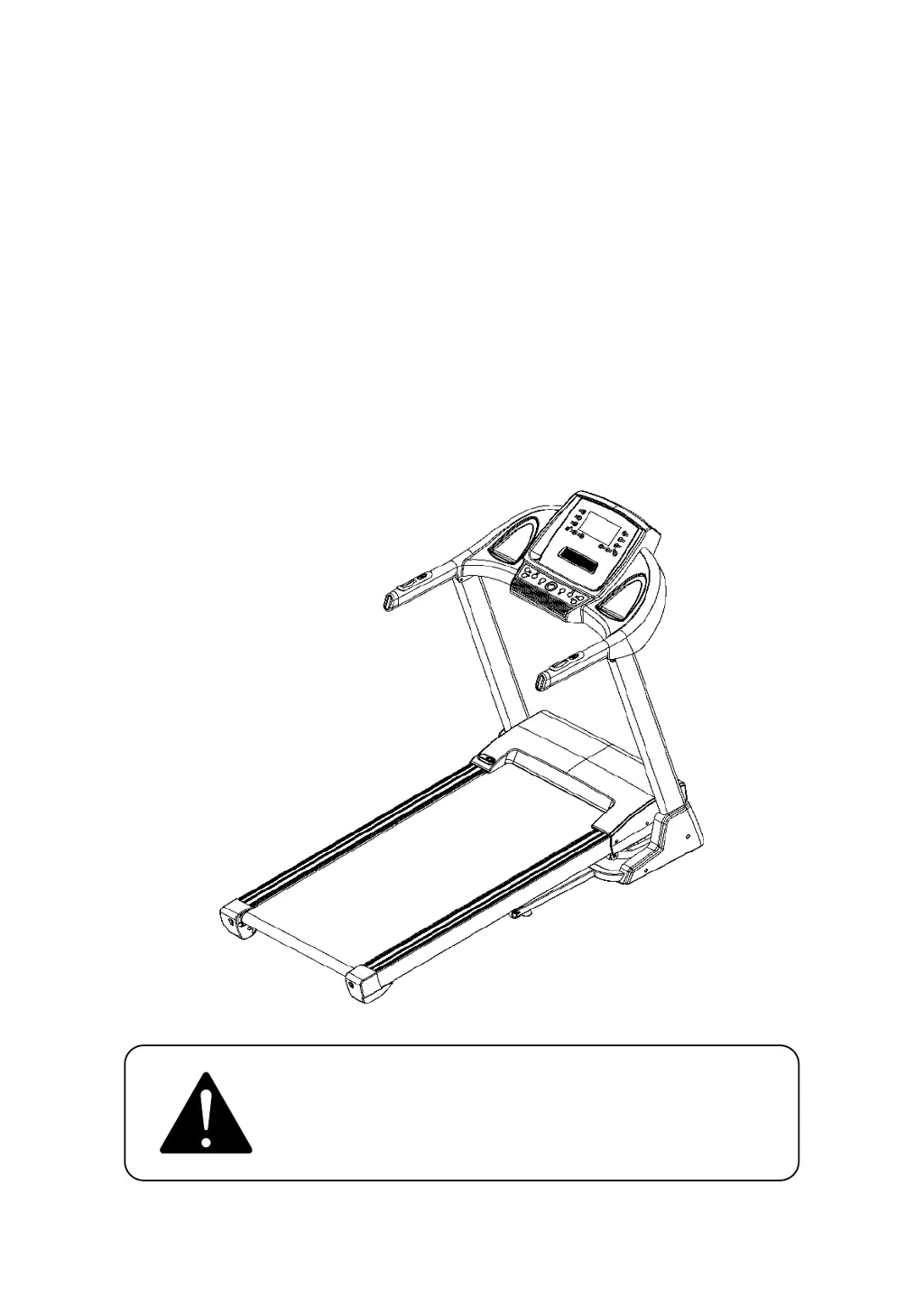
MOTORIZED TREADMILL
Model: CTM5104
Read all instructions carefully before using this
treadmill. Retain this user’s manual for the
future reference.

Questions and Answers

  • M
    Mark CooperAug 7, 2025
    What to do if my BORGUSI Treadmill shows E05 error?
    • B
      bethhouseAug 7, 2025
      If your BORGUSI Treadmill displays an E05 error, it indicates a current overload protection issue. This could be due to being overrated or the motor being stuck, causing excessive current. Try adjusting the machine and restarting it. Also, check the voltage to ensure it is correct for your machine. Furthermore, examine the motor for unusual noises or signs of burning on the motor or bottom control board. If components are burnt, they should be replaced.
  • N
    Nicholas WaltersAug 13, 2025
    What to do if my BORGUSI Treadmill displays E02 error?
    • A
      Antonio SmithAug 13, 2025
      If your BORGUSI Treadmill displays an E02 error, this may be due to a burst clash. Check if the power voltage is 50% lower than the normal voltage; if so, use the normal voltage to test. Also, check the control board for any burning and irregular smells, and replace the control board if needed. Finally, verify that the motor wire is securely connected; if not, reconnect it.
  • J
    jfullerAug 18, 2025
    What to do if my BORGUSI Treadmill displays E03 error?
    • X
      xdayAug 18, 2025
      If your BORGUSI Treadmill shows an E03 error, it indicates no sensor signal. First, check if the signal light on the control board is lit. If the signal light is burnt out, replace it. Next, check if the sensor plug is well connected. Finally, inspect the magnetic sensor to ensure it is properly connected and not broken; reconnect it or replace the sensor if necessary.
  • D
    Donna GordonAug 25, 2025
    How to fix E01 error on BORGUSI Treadmill?
    • J
      Jerome DayAug 25, 2025
      To address an E01 error on your BORGUSI Treadmill, start by checking the message wire to ensure it's properly connected between the computer and the bottom control board. Also, check the IC on the bottom control board to see if it is loose; if so, reset the IC.
  • C
    Christopher DouglasAug 31, 2025
    Why does my BORGUSI Treadmill show E04 error?
    • B
      Brandi GarrettAug 31, 2025
      The E04 error on your BORGUSI Treadmill indicates an incline learning failure. Start by checking the VR wire of the motor to ensure it is well connected, and reconnect it if necessary. Next, verify that the AC wire of the incline motor is normally connected. Also, inspect the motor wire for damage and replace it if needed. After completing these checks, press the incline-learning button on the control board for about 5 seconds, until the incline motor starts to move up and down.

Summary

Treadmill Safety Precautions

Grounding Methods and Electrical Safety

Technical Specifications

Treadmill Assembly Instructions

Folding and Storage Instructions

Lifting the Treadmill Frame

Instructions for lifting and locking the treadmill frame securely.

Lowering the Treadmill Frame

Instructions for safely lowering the treadmill frame.

Treadmill Operation Guide

Console Display Overview

Overview of the treadmill's display console and its components.

LCD Data Display Details

Explanation of what each data field (PROG, TIME, SPEED, etc.) shows.

Console Button Functions

Details and functions of the various buttons on the console.

Treadmill Core Functions

Manual Start-Up and Operation

Guide to starting and operating the treadmill in manual mode.

Countdown Workout Modes

Instructions for using countdown modes (time, distance, calories).

Pre-Set Workout Programs

How to select and use pre-programmed workout routines.

Treadmill Health and Test Features

Heart Rate Monitoring

How to use the heart rate monitoring feature.

Body Fat Analysis

Instructions for performing the body fat analysis.

Body Fat Data Display

Displays the acceptable ranges for body fat test parameters.

Treadmill Settings and Data

BMI Interpretation Guide

Provides reference categories for Body Mass Index (BMI) results.

Automatic Sleep Mode

Details the treadmill's automatic sleep mode activation.

Safety Key Operation

Explains the operation and importance of the safety key.

Running Data Ranges

Shows the ranges for speed, incline, time, distance, and calories.

Custom Program Creation

Guide to creating and saving custom workout programs.

Bluetooth Audio Connectivity

Treadmill Maintenance Procedures

Belt and Deck Lubrication Schedule

Instructions and schedule for lubricating the running belt and deck.

Running Belt Adjustment Guide

Correcting Right Belt Drift

How to adjust the belt when it drifts to the right side.

Correcting Left Belt Drift

How to adjust the belt when it drifts to the left side.

Adjusting Belt Tension

Procedure for adjusting the belt tightness over time.

Treadmill Troubleshooting Guide

Exercise Guidance and Intensity

Warm-Up Exercise Protocol

Guidance on proper warm-up procedures before exercise.

Main Exercise Phase

Instructions for the main exercise period on the treadmill.

Managing Exercise Intensity

How to adjust and manage exercise intensity for effectiveness.

Optimizing Calorie Burning

Method for optimizing calorie burning during workouts.

Recommended Exercise Frequency

Warm-Up Stretching Routines

Exploded Diagram of Parts

Treadmill Parts List

BORGUSI CTM5104 Specifications

General IconGeneral
BrandBORGUSI
ModelCTM5104
CategoryTreadmill
LanguageEnglish

Related product manuals