E-2
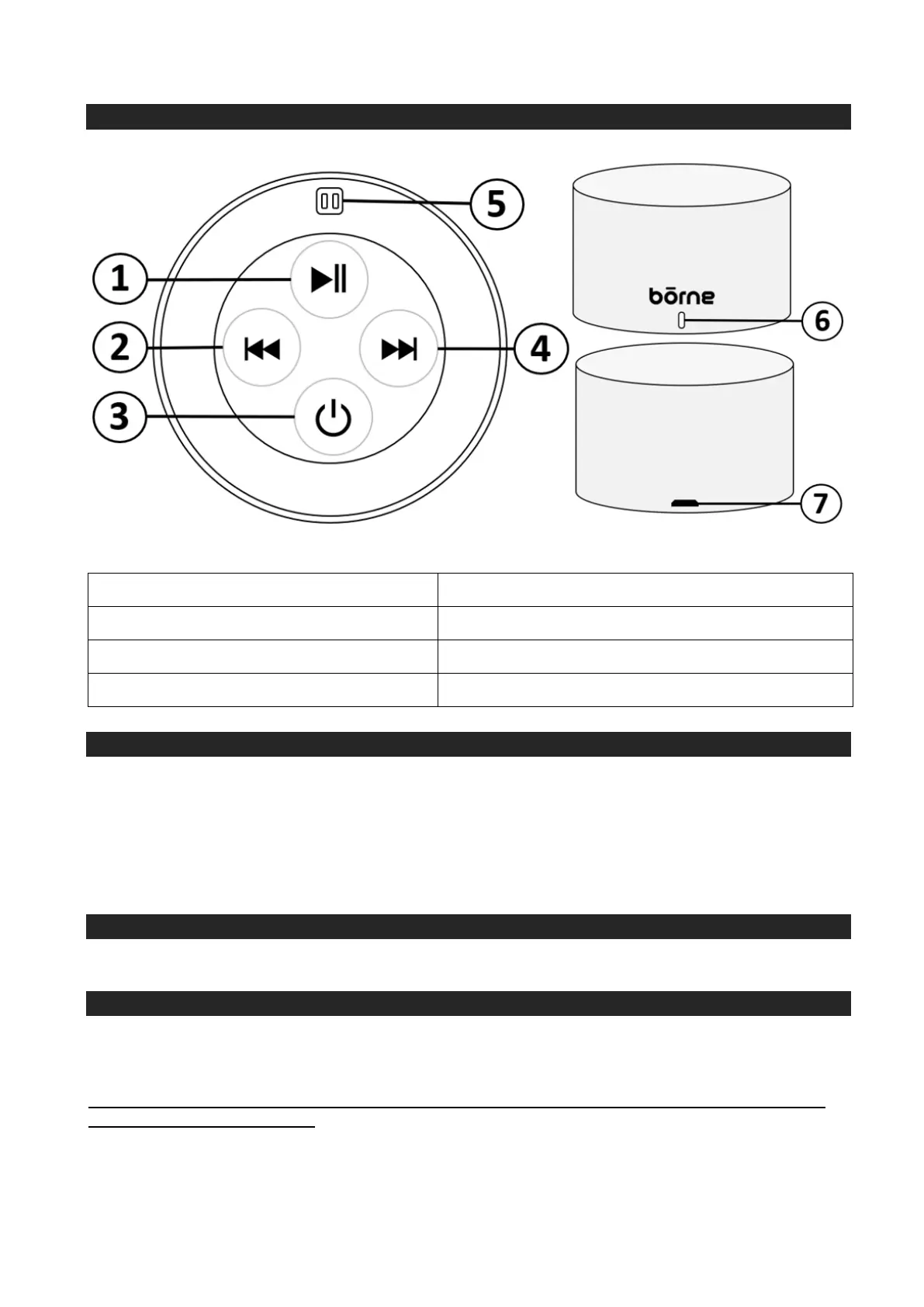
LOCATION OF CONTROLS
CHARGING THE SPEAKER
Using the USB charging cable provided, plug the micro USB tip into the Micro USB Charging Port
and plug the other end into an USB port on your computer or USB wall charger (not included). The
LED Indicator Light will illuminate red while charging and turn off when completed. A full charge will
be 3-4 hours. Unplug the speaker when fully charged.
POWER ON/OFF
To turn on and off the speaker, press and hold the Power Button.
BLUETOOTH MUSIC MODE
Pairing a Bluetooth Enabled Device for the First Time to your Bluetooth Speaker
NOTE: Refer to the user manual for your Bluetooth enabled device for instructions on pairing and
connecting Bluetooth devices.
1. Keep the unit and your Bluetooth enabled device within 1 metre at all times during the pairing
process.
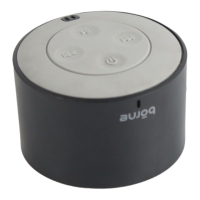
1. Play/Pause/Call Answer/End Button 5. Loop for Strap
2. Volume - / Previous Button 6. LED Indicator Light
3. Power Button 7. Micro USB Charging Port
4. Volume + / Next Button


 To Next Page