15
7. DISPLAY & OPERATION
The display is off by default, to save power. To activate the device, just press the
push button. It consists of four status LEDs and one push button. Once the push
button is no longer pressed, the display turns off after ten seconds.
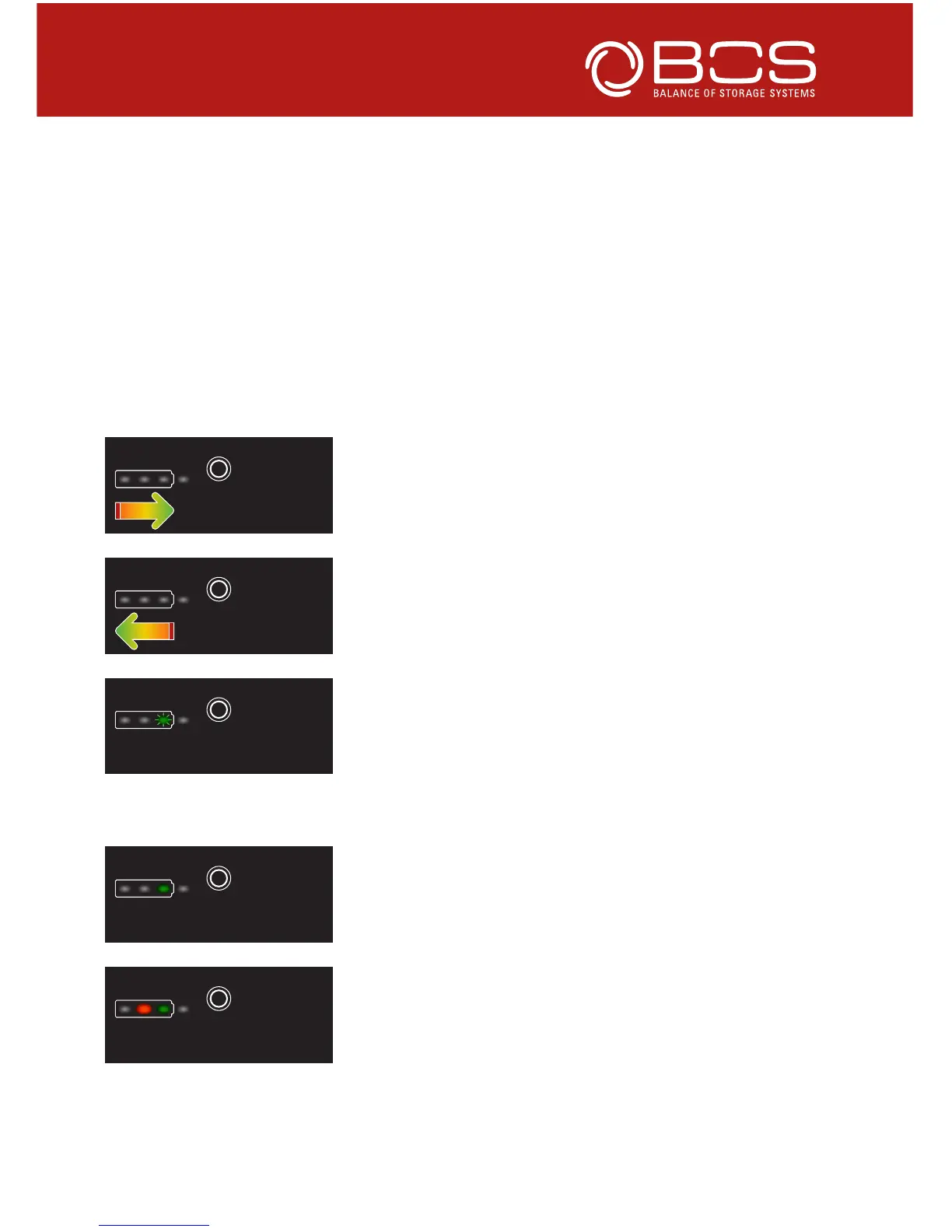
Once the push button is pressed and hold, the device shows whether it is char-
ging or discharging (in case of errors in the LE or the set-up, error codes are
shown as described in chapter 8):
Chaser light from red to green indicate that the
LE300 is being charged.
Chaser light from green to red indicate that the
LE300 is being discharged.
If green LED flashes whilst the push button is
pressed, the LE300 is neither charged nor dischar-
ged but in idle mode.
Once the push button is released, the device shows the state of charge:
Green LED indicates, that the LE300 is fully char-
ged, SOC > 80 % (SOC = State of charge).
Green and yellow LED indicates, that the LE300 is
between 61 – 80 % SOC.



 To Next Page