48 | en
03.2011 Robert Bosch Car Multimedia GmbH
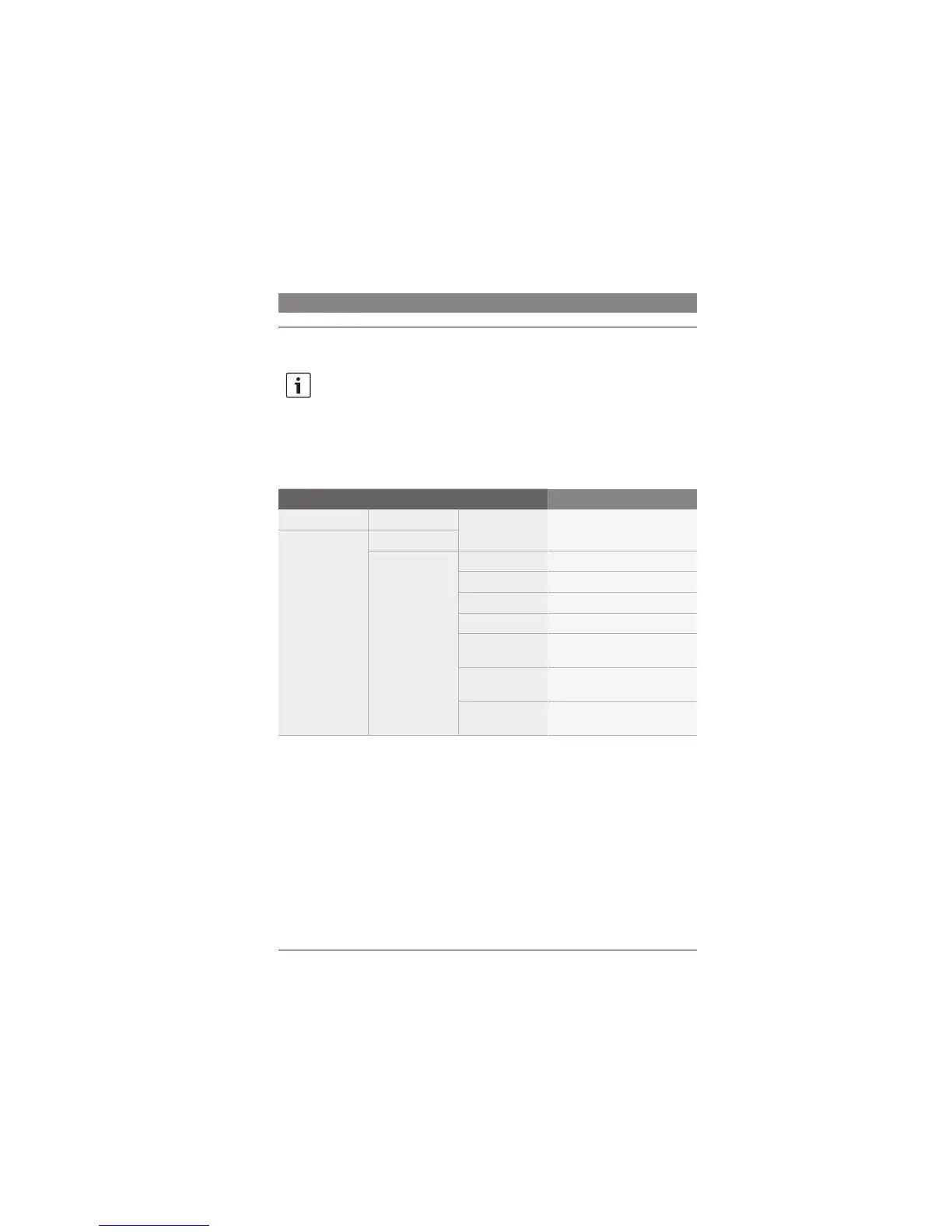
Selecting an audio/video source in the menu of the current audio/video
source
Note:
Source selection in the menu of the
current audio/video source is only
possible using the extended menu
(see the section entitled “Settings in
the main menu” that is located in the
“Display settings” chapter).
1
st
Menu level 2
nd
Menu level 3
rd
Menu level Function
:
*AUD :
*SOURCE RADIO Select the radio
CD Select the CD in the CCD drive
USB Select USB (only if available)
AUX Select AUX
CCS Select the DVD/CD in the CCS
drive
VIDEO1 Select video source 1 (only if
available)
VIDEO2 Select video source 2 (only if
available)
Selecting an audio/video source
B3UR/LQHBHQLQGG











 To Next Page