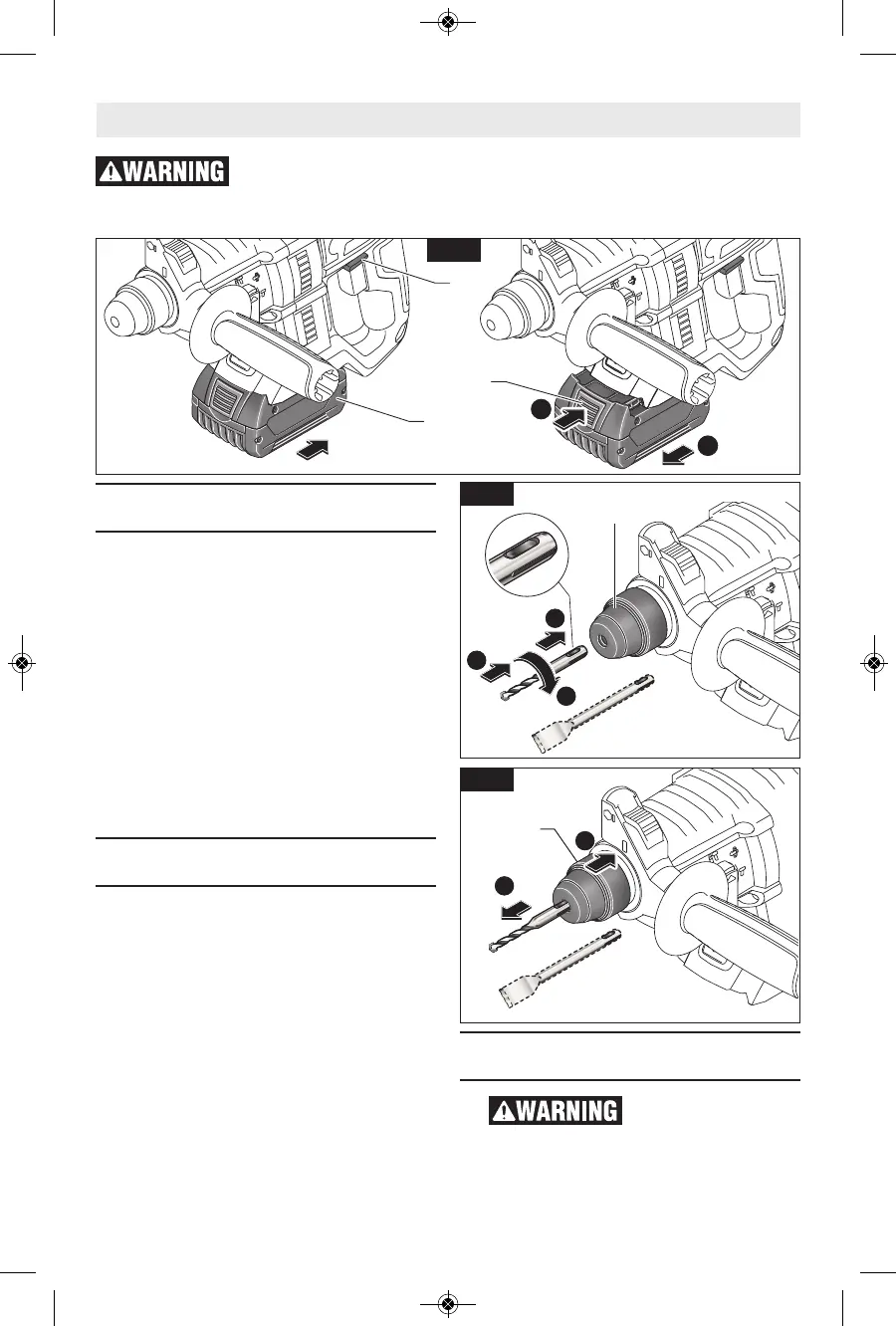
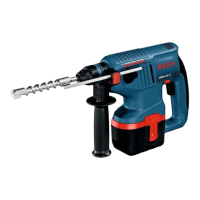
Fig. 2
-9-
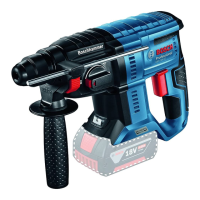
Inserting and Releasing
Battery Pack
Set Forward/Reversing lever 1 to the
center (off position). Slide charged
battery pack 2 into the housing until the
battery pack locks into position (Fig. 2).
Your tool is equipped with a secondary
locking latch to prevent the battery pack
from completely falling out of the
handle, should it become loose due to
vibration.
To remove the battery pack, press the
battery pack release button 3 and slide
the battery pack forward.
Press the battery pack release button
again and slide the battery pack
completely out of tool housing (Fig. 2).
Installing SDS-plus®
Accessories
Clean the insert shank end of the
accessory to remove any debris, then
lightly grease with a light oil or lubricant
Insert accessory into the chuck through
the dust shield, while twisting and
pushing inward until it locks
automatically into place. Pull outward
on the accessory to be certain it is
locked into the chuck (Fig. 3).
NOTE: The high efficiency available
from the rotary hammers can only be
obtained if sharp and undamaged
accessories are used. The "cost" to
maintain sharp and undamaged
accessories is more than offset by the
"time saved" in operating the tool with
sharp accessories.
Removing SDS-plus®
Accessories
Accessories may be
hot after use. Avoid
contact with skin and use proper
protective gloves or cloth to remove.
To remove an accessory, pull locking


 To Next Page