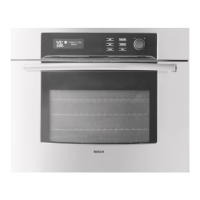
To reconfigure the oven model as a single:
1. Press [Cooking Mode] key.
2. Turn the knob to select the correct oven model.
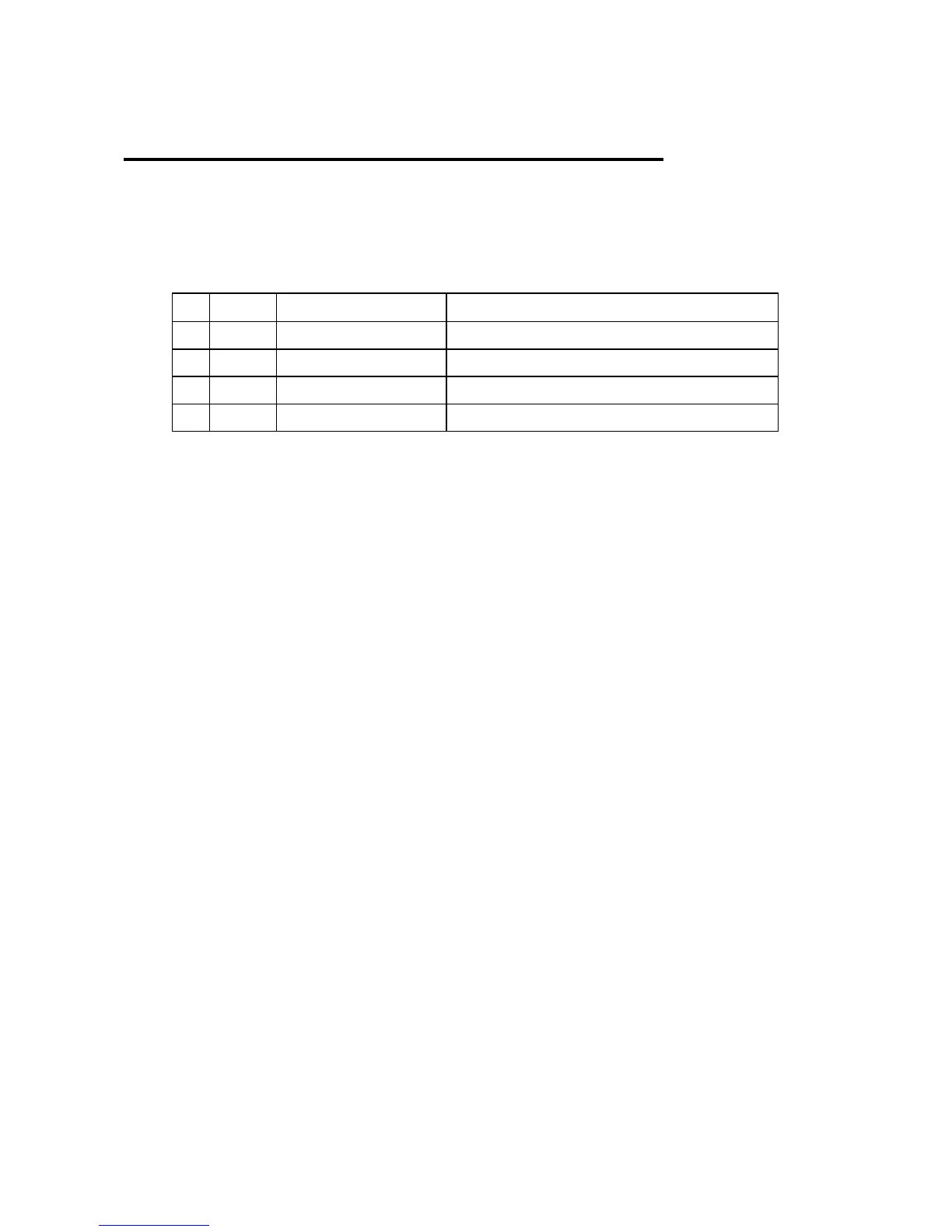
N° MOD DISPLAY OVEN MODEL
0 A 30 CONVECT 1 30” SINGLE MULTIFUNCTION
2 B 30 THERMAL 1 30” SINGLE THERMAL
4 E 27 CONVECT 1 27” SINGLE MULTIFUNCTION
6 F 27 THERMAL 1 27” SINGLE THERMAL
3. To confirm the selection:
a. If the Display Board is still configured as a
double, KEEP THE [START] KEY PRESSED
UNTIL THE CLOCK APPEARS ON THE
DISPLAY. The control resets itself.
b. If the Display Board is already configured as a
single, press the [Start] key to accept the new
selection, the control sounds a tone. Press then
[Cooking Mode] key again to quit the oven
model menu and going back to manual test
procedure.




 To Next Page