EasyManua.ls Logo

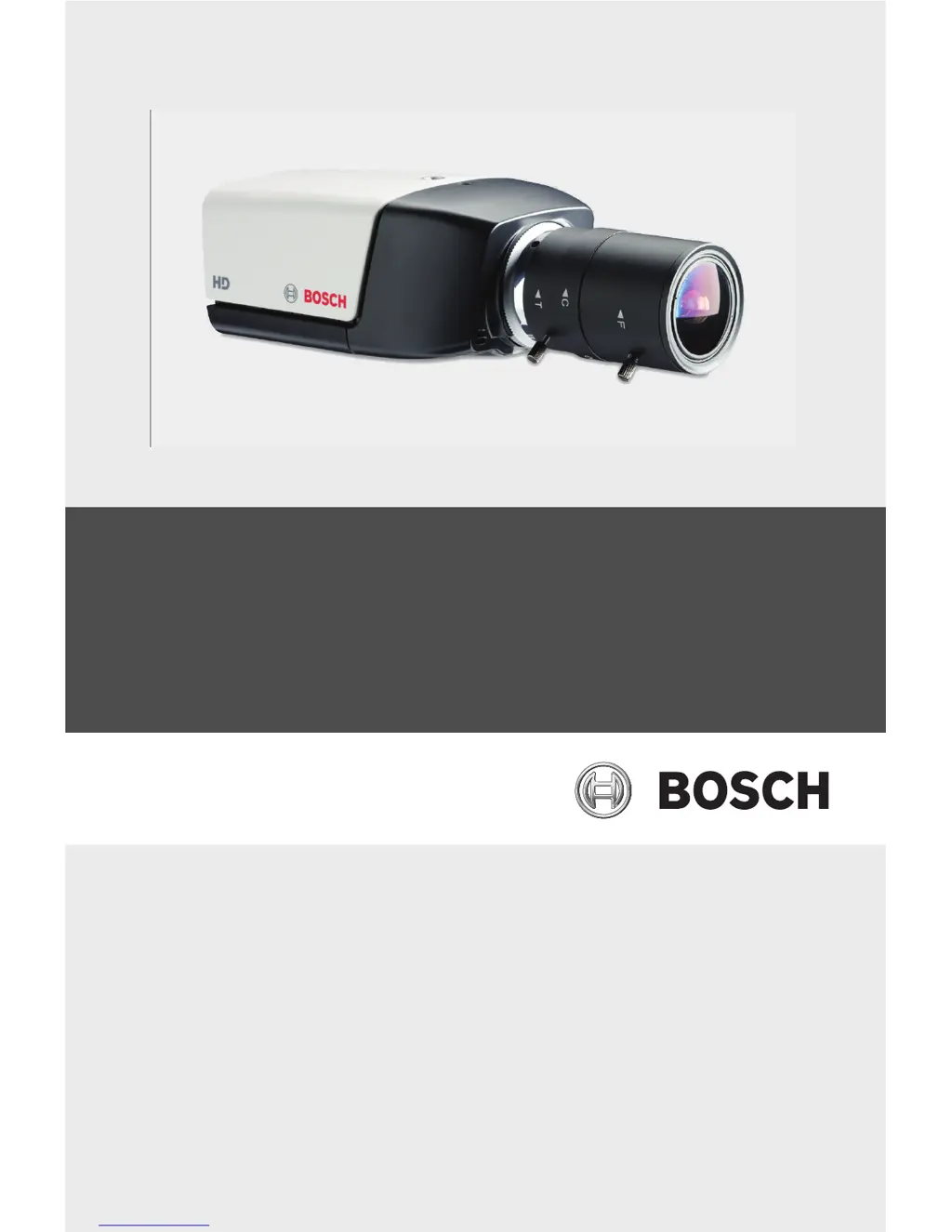
Bosch NBC-265-P - User Manual

Bosch NBC-265-P
106 pages
Print Icon
To Next Page IconTo Next Page
Loading...
IP Camera 200 Series
NBC-265-P
en Installation and Operation Manual

Table of Contents

Other manuals for Bosch NBC-265-P

Questions and Answers

  • J
    jeffreymeyerAug 8, 2025
    What to do if my Bosch IP Camera has no connection and no image transmission?
    • D
      Debra SandersAug 8, 2025
      If your Bosch IP Camera fails to establish a connection and transmit images, it might be due to the unit's configuration or a faulty installation. First, check all configuration parameters. Second, inspect all cables, plugs, contacts, and connections to ensure everything is properly installed.
  • M
    Matthew WhiteAug 23, 2025
    How to fix no image transmission to remote location on Bosch IP Camera?
    • L
      Leslie PowersAug 23, 2025
      If your Bosch IP Camera is not transmitting images to a remote location, the issue may stem from faulty cable connections. To resolve this, inspect all cables, plugs, contacts, and connections to ensure they are properly secured. Also, verify the iris setting.

Summary

Safety

Safety Precautions

Describes hazard symbols (DANGER, WARNING, CAUTION) and their implications for user safety.

Important Safety Instructions

Provides essential guidelines for safe operation, handling, and maintenance of the device.

Installation

Camera Mounting

Procedures for physically installing the camera, including screw types and angles.

Network and Power Connections

Details on connecting the camera to a network via Ethernet and power sources.

DC Power Connection

Specific instructions for connecting the camera using a DC power adapter.

Browser Connection

Establishing Network Connection

Steps to connect to the camera using its IP address in a web browser.

Password Protection and Management

Configuration of user access levels and passwords for security.

Basic Mode Configuration

Advanced Mode Configuration

Camera Settings

Adjusting picture quality, encoder profiles, streams, and installer menu options.

Recording Configuration

Detailed settings for storage, profiles, retention, scheduler, and status.

Alarm Management

Configuring alarm connections, VCA, audio alarms, and email notifications.

Network Settings

Detailed network configurations including access, security, and protocols.

Browser Operation

Troubleshooting

Understanding LED Indicators

Interpreting camera status lights for diagnosing issues.

Common Malfunctions and Solutions

Table of problems with possible causes and resolution steps.

Technical Data

Product Specifications

Detailed technical specifications including voltage, power, resolution, etc.

Bosch NBC-265-P Specifications

General IconGeneral
BrandBosch
ModelNBC-265-P
CategorySecurity Camera
LanguageEnglish

Related product manuals