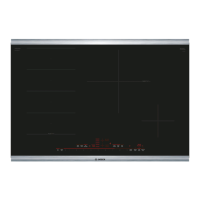
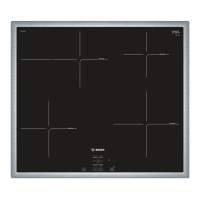
Getting familiar with the appliance
In this section we describe the control panel, elements
and displays.
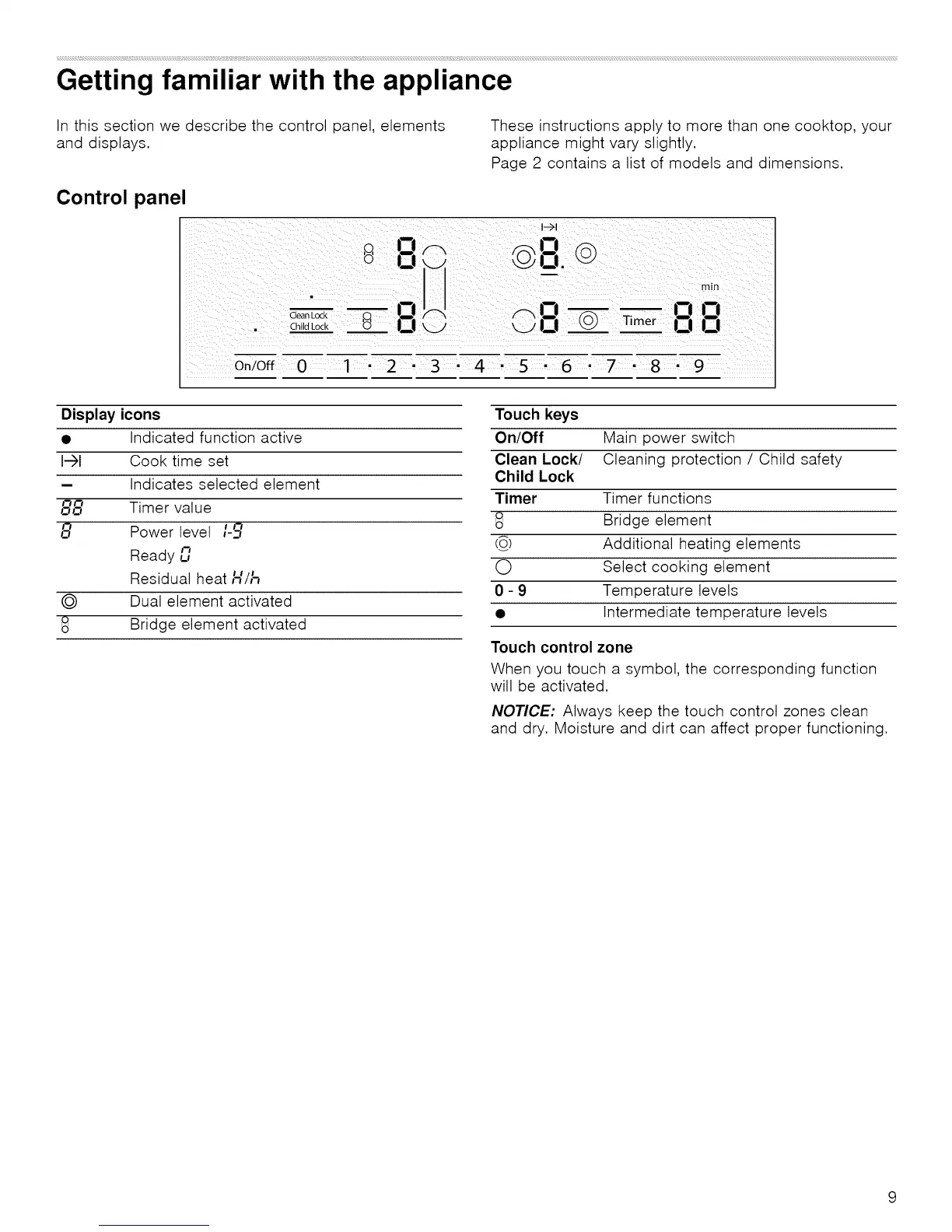
Control panel
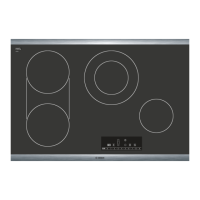
These instructions apply to more than one cooktop, your
appliance might vary slightly.
Page 2 contains a list of models and dimensions.
Clean Lock '
C5Child Lock
I-->1
_I__I.
_ _i7
/'-m i__--! --ClCl
L_} ',._./|--I T Timer |--I |--I
On/Off 0 I " 2 " 3 " 4 8 " 9
Display icons
I-)1
i
88
8
©
Q
O
Indicated function active
Cook time set
Indicates selected element
Timer value
Power level I-_
Ready un
Residual heat H/17
Dual element activated
Bridge element activated
Touch keys
On/Off Main power switch
Clean Lock/ Cleaning protection / Child safety
Child Lock
Timer Timer functions
o Bridge element
o
(_) Additional heating elements
O Select cooking element
0 - 9 Temperature levels
• Intermediate temperature levels
Touch control zone
When you touch a symbol, the corresponding function
will be activated.
NOTICE: Always keep the touch control zones clean
and dry. Moisture and dirt can affect proper functioning.


 To Next Page