9
Getting familiar with the appliance
In this section we describe the control panel, elements
and displays.
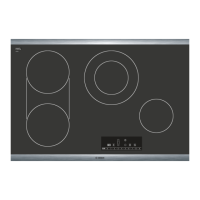
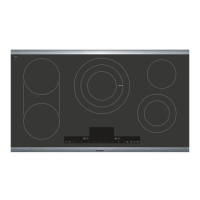
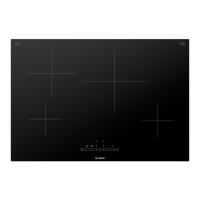
These instructions apply to more than one cooktop, your
appliance might vary slightly.
Page 2 contains a list of models and dimensions.
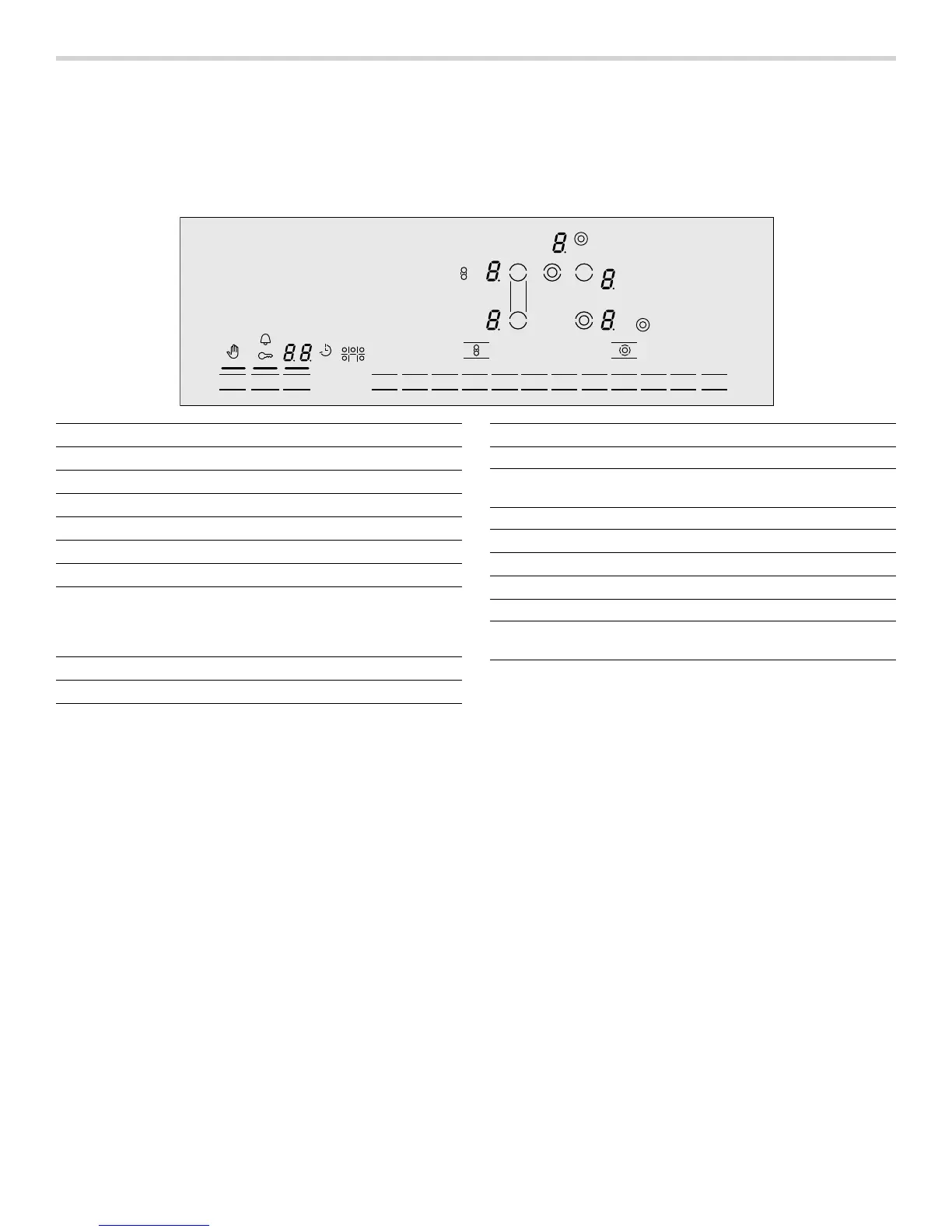
Control panel
Touch control zone
When you touch a symbol, the corresponding function
will be activated.
NOTICE: Always keep the touch control zones clean
and dry. Moisture and dirt can affect proper functioning.
0O0GG
$MFBO-PDL
$IJME-PDL
NJO
@
5JNFS
Display icons
>
Cleaning protection on
D
Child lock on
V
Kitchen timer on
‰‰
Timer value
q
Cook time function on

Cook time set on lit element
‰. Power level ‚-Š
Ready ‹
Residual heat •/œ
ð
Dual element
à
Bridge element
Touch keys
On/Off Main power switch
Clean Lock/
Child Lock
Cleaning protection / Child safety
Timer Cook time function
à
Bridge element
ö
Additional heating elements
$
Select cooking element
0 - 9 Temperature levels
A @
Step temperature level down/up in steps
of 0.5



 To Next Page