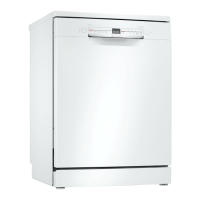
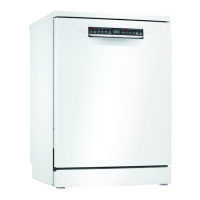
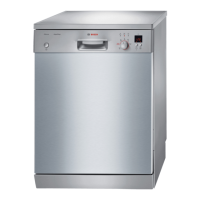
NL Getting to know your device
1 2 3 4 5 6 7 8
12 11 10 9
1
ON/OFF button and Reset button "Turn on device" → Page 30
"Turn off device" → Page 32
"Abort program" → Page 32
2
3
4
5
6
7
Program key
Refill softener salt indicator
Refill rinse aid indicator Water
supply indicator
Choose start time
Key
"Programs" → Page 17
"Water softening" → Page 21
"rinse system" → Page 24
Indication for water supply "Create
time setting" → Page 31
If you press for approx. 3 seconds,
open the basic settings.
8
9
Start button
Program keys and additional functions
"Start program" → Page 31
"Programs" → Page 17
"Additional Features" → Page 18
10
11
door opener 1
Display
Open the appliance door.
The display shows information about the time
remaining or basic settings. You can change the
basic settings via the display and the setting
buttons.
12
Programs
1 Depending on the device version
"Programs" → Page 17
16


 To Next Page