HomeConnect™ en-us
35
14.2 Changing the basic
settings
1. Open the appliance door.
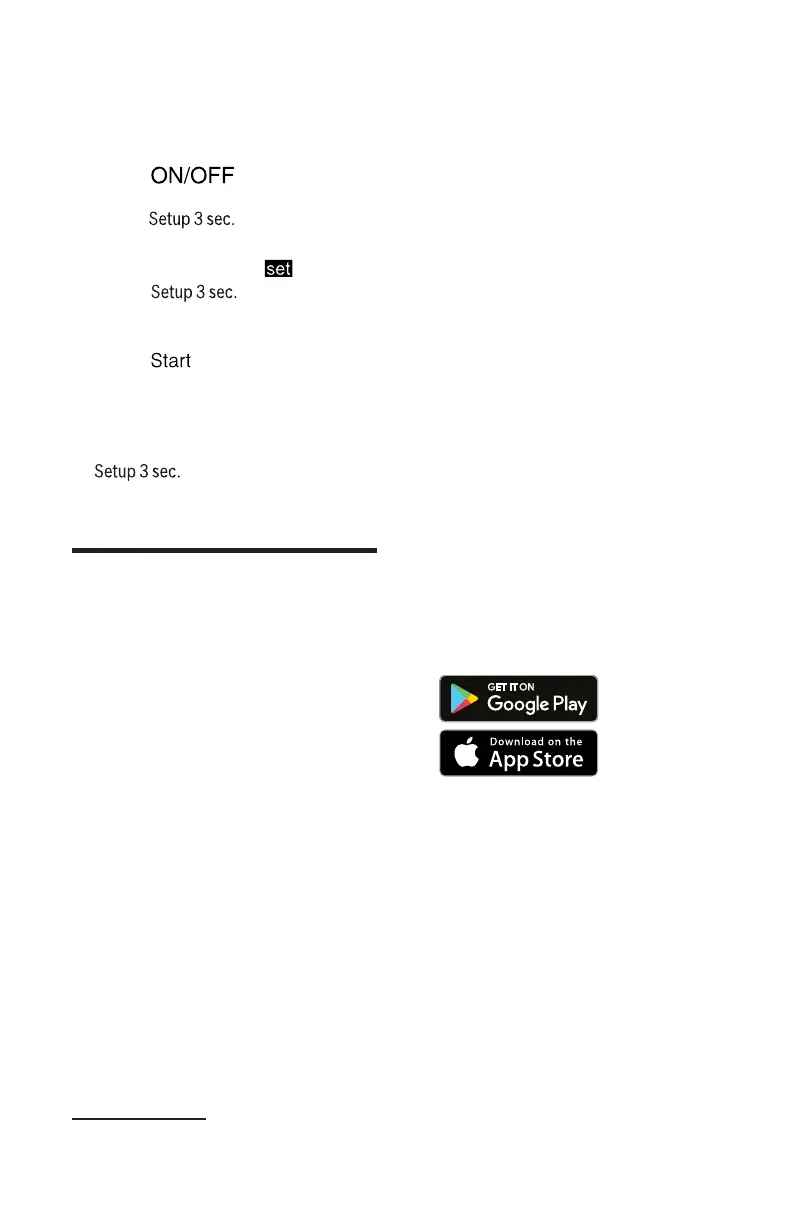
2. Press .
3. To open the basic settings,
press for 3 seconds.
a The display shows Hxx.
a The display shows .
4. Press repeatedly un-
til the display shows the re-
quired setting.
5. Press repeatedly until the
display shows the right value.
You can change one or more
settings.
6. To save the settings, press
for 3 seconds.
7. Close the appliance door.
HomeConnect™
15 HomeConnect™
HomeConnect™
This appliance is network-capa-
ble. Connecting your appliance to
a mobile device lets you control its
functions via the HomeConnect™
app.
HomeConnect™ services are not
available in every country. Avail-
ability of the HomeConnect™
function depends on the availabil-
ity of HomeConnect™ services in
your country. You can find infor-
mation on this at: www.home-con-
nect.com.
To be able to use HomeCon-
nect™, you must first set up the
connection to the WLAN home
network (Wi-Fi
1
) and to the
HomeConnect™ app.
¡ →
"Connecting appliance to the
WLAN home network (Wi-Fi)",
Page36
The HomeConnect™ app will
guide you through the entire regis-
tration process. Follow the instruc-
tions in the HomeConnect™ app
to make the settings.
Tips
¡ Please consult the HomeCon-
nect™ documents supplied.
¡ Please also note the informa-
tion in the HomeConnect™
app.
Note:Please also note the safety
information in this instruction man-
ual and ensure that it is also ob-
served when operating the appli-
ance using the HomeConnect™
app.
15.1 HomeConnect™
quick start
Connect your appliance to a mo-
bile device quickly and easily.
Installing the app
1. Install the HomeConnect™
app on your mobile device.
2. Start the app and set up access
for HomeConnect™.
The HomeConnect™ app will
guide you through the entire
registration process.
1
Wi-Fi is a registered trade mark of the Wi-Fi Alliance.



 To Next Page