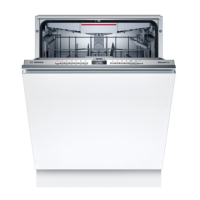
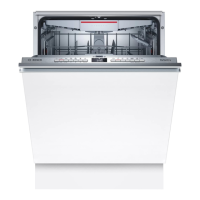
Familiarising yourself with your appliance aus
17
6.2 Controls
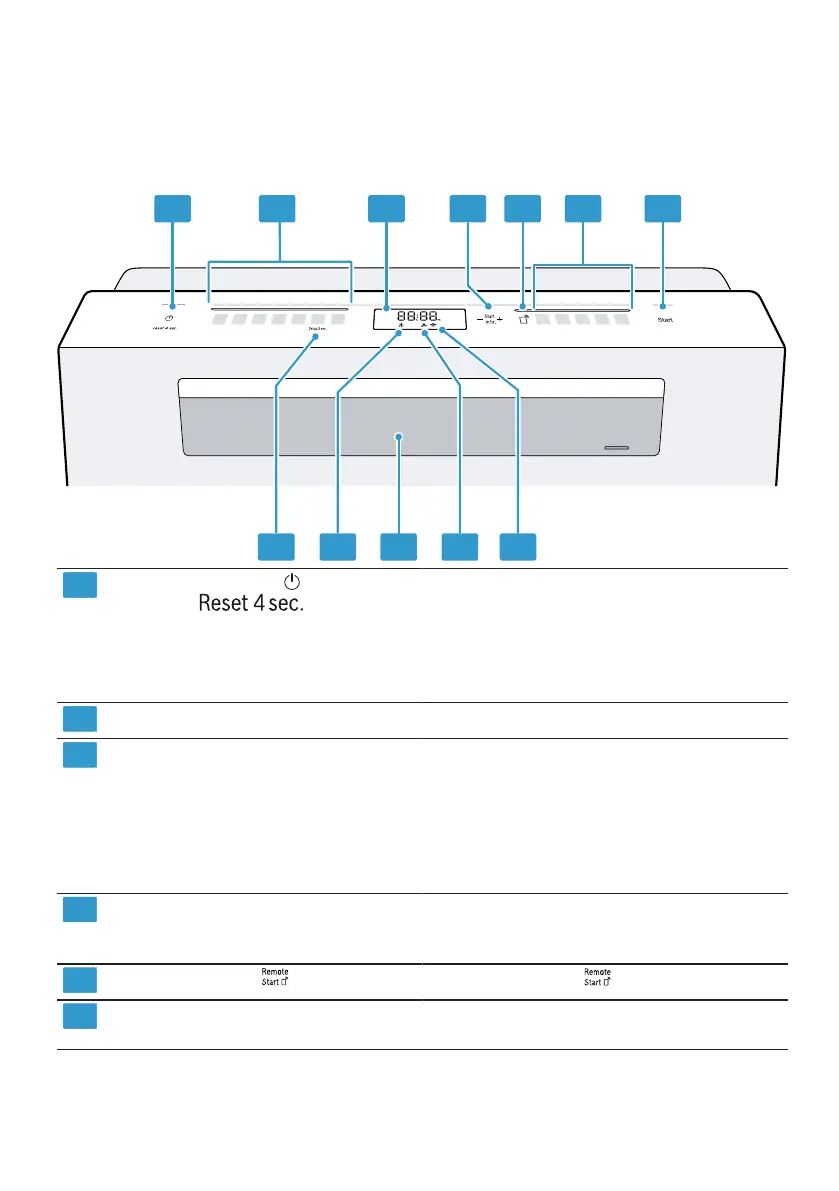
You can use the control panel to configure all functions of your appliance and
to obtain information about the operating status.
With some buttons you can perform different functions.
ON/OFF button and reset
button
Switching on the appliance
→Page34
Switching off the appliance
→Page36
Terminating the programme
→Page35
Programme buttons Programmes
Display The display shows information about
the remaining running time or the ba-
sic settings. You can change the ba-
sic settings via the display and the
setting buttons.
→"Changing basic settings",
Page39
Timer programming and set-
ting buttons
Setting timer programming
→Page35
Changing basic settings →Page39
Remote Start
→"Remote Start ", Page41
Programme buttons and addi-
tional functions
Programmes
Additional functions →Page22
1
Depending on the appliance specifications


 To Next Page