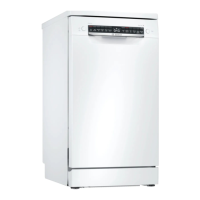
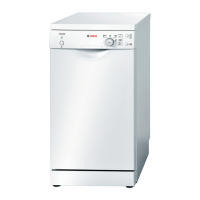
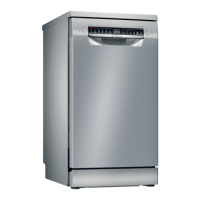
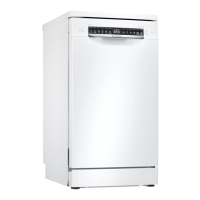
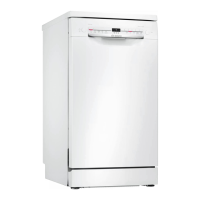
en Familiarising yourself with your appliance
16
1 5 6 7 9
11121314
CBA
2 3 4 8
10
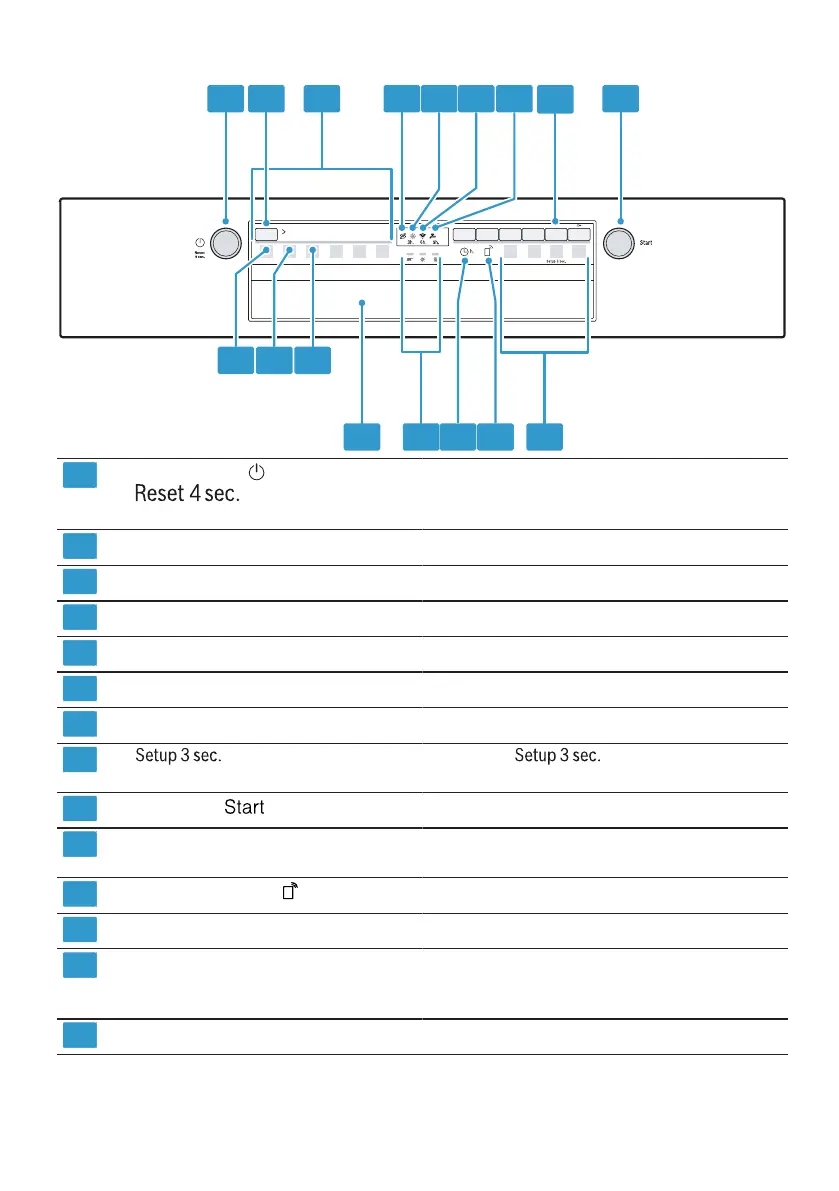
ON/OFF button and reset button Switching on the appliance →Page30
Switching off the appliance →Page31
Terminating the programme →Page31
Programme button Programmes →Page17
Programmes Programmes →Page17
Special salt refill indicator Water softening system →Page21
Rinse aid refill indicator Rinse aid system →Page24
WLAN display Home Connect →Page33
Water supply display Display for water supply lights up
button If you press for approx. 3 seconds,
you can open the basic settings.
Start button Starting the programme →Page31
Programme buttons and additional
functions
Programmes →Page17
Additional functions →Page18
Remote start button Remote start →Page34
Timer programming Setting timer programming →Page30
Programme sequence display The programme sequence display shows the cur-
rent cycle of the appliance, e.g. washing, rinsing
or drying.
Door opener
1
Opening the appliance door →Page30
1
Depending on the appliance specifications


 To Next Page