Detergent en
25
Spilled rinse aid can cause ex-
cessive frothing during the wash
cycle.
4. Close the lid of the dispenser for
rinse aid.
a The lid clicks into position.
Setting the amount of rinse aid
If there are streaks or water marks on
tableware, change the amount of
rinse aid.
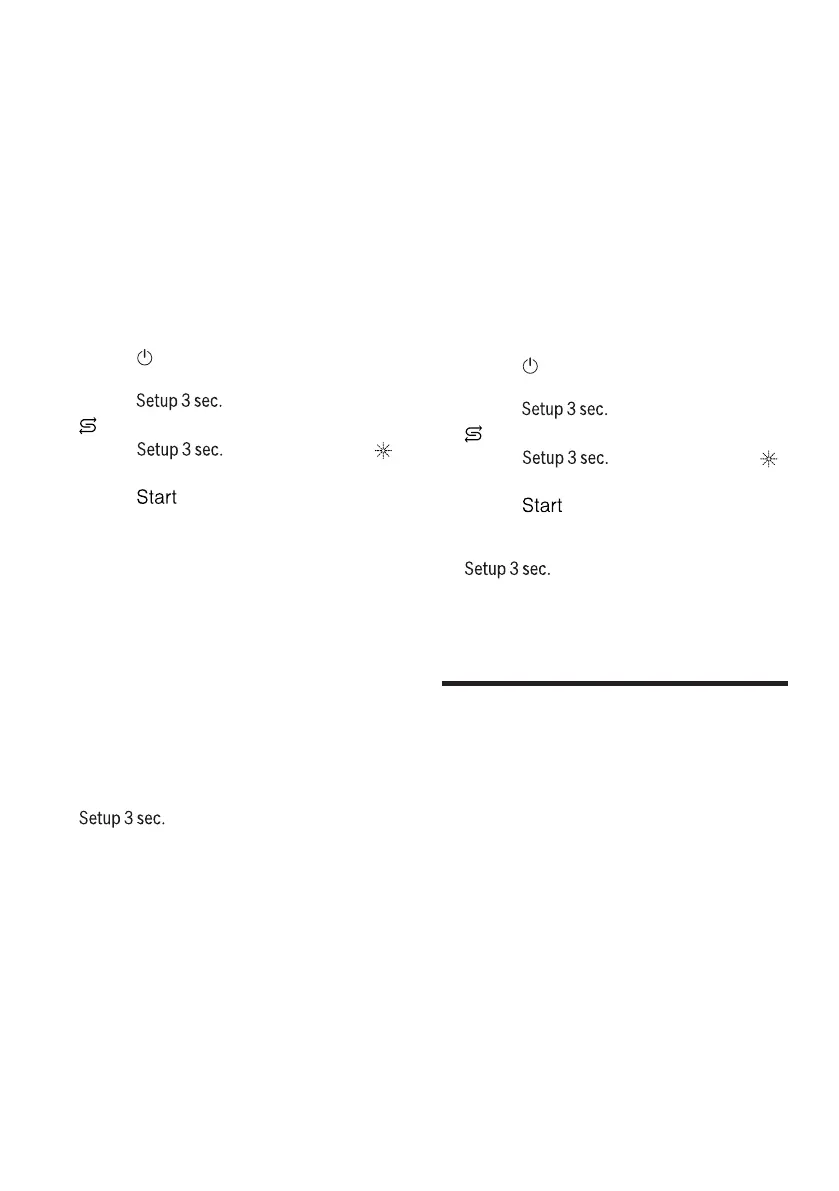
1. Press .
2. To open the appliance settings,
press for 3 seconds.
a flashes in the display.
3. Press repeatedly until
flashes.
4. Press repeatedly until the
right amount of rinse aid has been
set.
0, 1, 2 or 3 LEDs will light up ac-
cordingly.
The factory setting is level 2 (LED
A and LED B →Page15).
– A low setting adds less rinse aid
during the wash cycle and re-
duces streaking on tableware.
– A higher setting adds more
rinse aid during the wash cycle,
reduces water marks and im-
proves the drying result.
5. To save the settings, press
for 3 seconds.
Switching the rinse aid system
off
If you find the rinse aid refill indicator
irritating, e.g. when using combined
detergents with a rinse aid compon-
ent, you can switch the rinse aid sys-
tem off.
Tip:The function of rinse aid is lim-
ited with combined detergents. You
will generally get better results using
rinse aid.
1. Press .
2. To open the appliance settings,
press for 3 seconds.
a flashes in the display.
3. Press repeatedly until
flashes.
4. Press repeatedly until no LED
→Page15 lights up (level 0).
5. To save the settings, press
for 3 seconds.
a The rinse aid system is switched
off and the rinse aid refill indicator
is deactivated.
Detergent
Detergent
Find out which detergents are suit-
able for your appliance.
Suitable detergents
Only use detergents that are suitable
for dishwashers. Both separate and
combined detergents are suitable.
For optimum washing and drying res-
ults, use separate detergent, adding
Special salt →Page22 and Rinse aid
→Page24 separately.
Modern, powerful detergents mainly
use a low-alkaline formulation with
enzymes. Enzymes break down
starch and remove protein. Oxygen-


 To Next Page